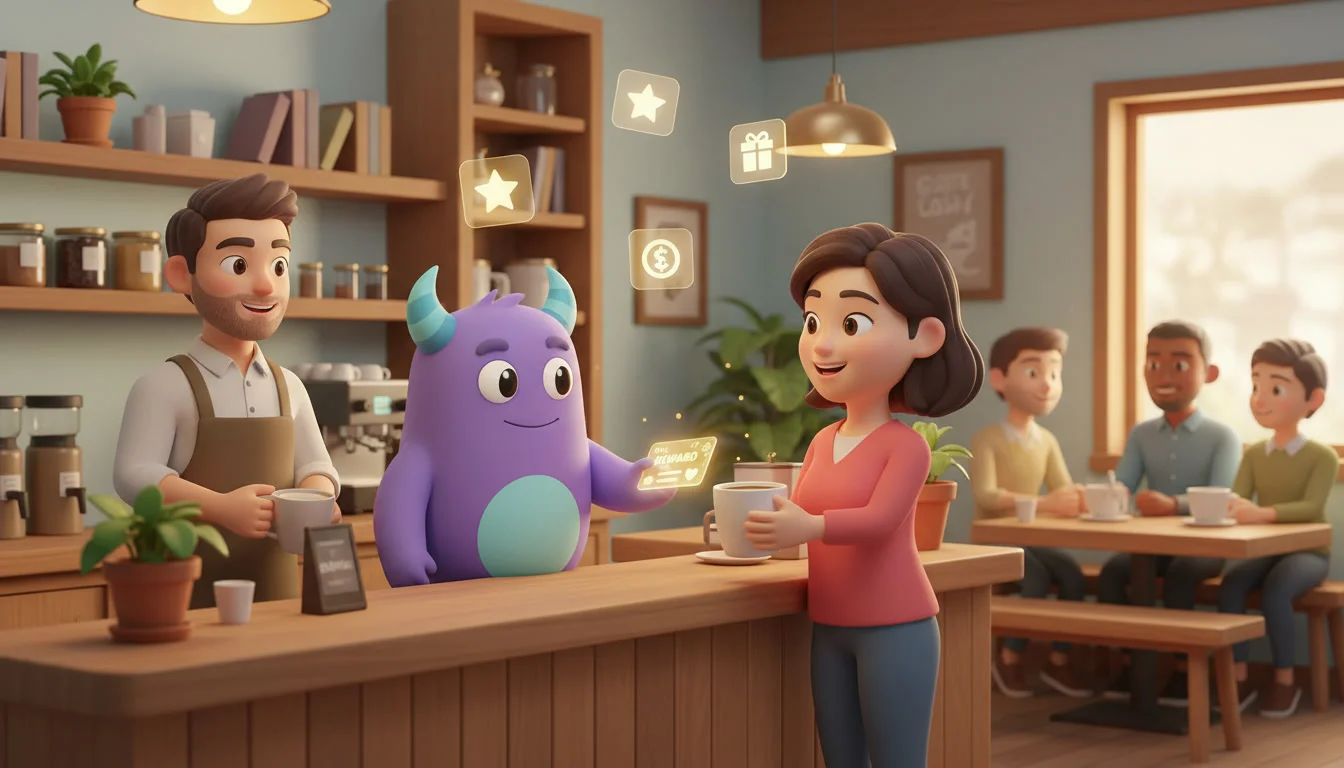
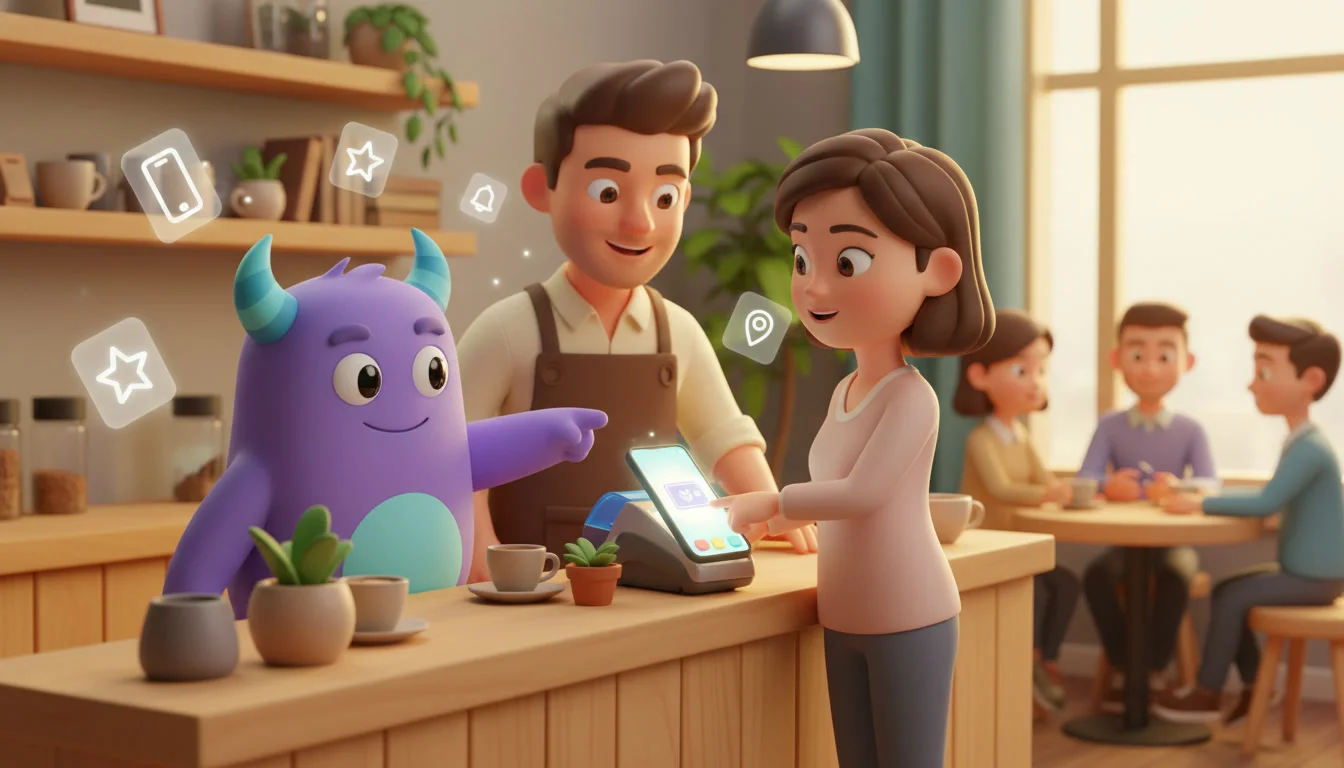

Digital loyalty cards are loyalty cards that live in a customer's phone, usually in Apple Wallet or Google Wallet, instead of in a wallet full of paper stamp cards. Customers add the card in a few taps, show it at checkout and see their balance or stamps update automatically. This guide is for owners and marketers of cafés, restaurants, salons, gyms, shops and other service businesses who want to move their loyalty program to mobile wallets and connect it to their CRM.
Key takeaways
- A digital loyalty card is a wallet pass that shows a customer's balance, stamps or tier and updates without a separate app.
- Apple Wallet and Google Wallet cards are quick to add, hard to lose and always on the phone customers already carry.
- Pass updates and wallet pass push notifications let you remind members about rewards without asking them to install anything.
- Keep the card design simple: logo, member name, balance, one clear reward and a barcode or QR code.
- Connect the card to your CRM so every scan, purchase and reward is recorded on the customer profile.
What are digital loyalty cards?
Digital loyalty cards are electronic versions of membership, stamp or points cards stored in a mobile wallet app such as Apple Wallet or Google Wallet. Each card carries a unique code that staff scan at checkout. When the customer earns or redeems a reward, the card updates on the phone, so the customer always sees their current status.
The card is only the format. The rules behind it, such as how customers earn and what rewards they get, are your loyalty program. If you are still deciding on those rules, start with our guide to designing a loyalty points program, then come back here to choose how members carry it.
Why move your loyalty program to mobile wallets
Cards that do not get lost or forgotten
Paper stamp cards get left at home, washed with clothes or thrown away half full. A mobile wallet loyalty program lives on the phone, which most customers have with them at the counter. Fewer forgotten cards means fewer awkward "I'll bring it next time" moments.
No app to download
Asking customers to install a branded app is a big request for a small café or salon. Apple Wallet and Google Wallet are already on most smartphones, so adding a card is usually just a link or QR code away.
A direct channel on the phone
When a card's information changes, the wallet can show a notification on the customer's phone. That gives you a way to tell members about a new stamp, an unlocked reward or an expiring balance without relying only on email or SMS.
Better data for your CRM
Every digital card is tied to a customer record. Instead of anonymous paper stamps, you see who visits, how often and what they redeem, which is the data you need for segmentation and retention work.
Digital wallet card vs paper card vs branded app
Here is how the three most common loyalty card formats compare for a small or mid-sized business:
| Format | Customer effort | Cost and setup | Updates and messages | Customer data |
|---|---|---|---|---|
| Paper stamp card | Must carry the card every visit | Cheap printing, no tech | None, the card is static | Usually anonymous |
| Digital wallet card (Apple Wallet, Google Wallet) | Add once in a few taps, no install | Needs a pass provider or loyalty tool and a scanning method | Balance updates and wallet notifications | Linked to a customer profile |
| Branded mobile app | Must download, register and keep the app | Highest cost to build and maintain | Full in-app features and app push notifications | Rich, but only for customers who install |
For many businesses, a wallet card is the middle ground: more useful than paper and far lighter than building an app.
How Apple Wallet and Google Wallet loyalty cards work
The pass
An Apple Wallet loyalty card is a "pass" file, and a Google Wallet loyalty card is a pass object created through Google's Wallet platform. Both contain your branding, fields such as member name and balance, and a barcode or QR code. Most businesses use a loyalty or pass platform that creates the passes for them, rather than coding passes from scratch.
Adding the card
Customers usually add the card by scanning a QR code at the counter, tapping a link in an email or SMS, or tapping a button on your website. On an iPhone the card goes into Apple Wallet, and on Android it goes into Google Wallet.
Scanning and earning
At checkout, staff scan the code on the card with a scanner, a tablet camera or the POS. The loyalty system records the visit or purchase and adds stamps or points to the customer's account.
Updating the card
When the balance changes, the pass provider sends an update and the card on the phone refreshes. Depending on how the pass is set up, the customer can also see a short notification describing the change.
Designing a card customers want to keep
Show only what matters
The front of the card should show your logo, the member's name or number, the current balance or stamps, and the next reward. Put terms, contact details and opening hours on the back.
Match your brand
Use your brand colors and a clear logo. Avoid tiny text and busy images, since the card is viewed on a small screen in a hurry.
Make the reward obvious
"2 more coffees until your free drink" is clearer than a raw number. If your program uses tiers, show the tier name on the card so members feel the status they earned.
How to set up digital loyalty cards: step by step
- Define the program rules. Decide whether the card holds stamps, points, a tier or a membership, and what rewards members get.
- Choose a wallet pass tool. Pick a loyalty platform or pass provider that supports both Apple Wallet and Google Wallet and can connect to your CRM or POS.
- Design the card. Add your logo, colors, member fields, the barcode or QR code and the back-of-card details.
- Connect customer data. Link each card to a customer profile, so name, phone or email, visits and balance stay in sync with your CRM.
- Set up scanning at checkout. Test how staff scan cards with your POS, a scanner or a tablet, and what happens if a code will not scan.
- Plan your messages. Write short texts for welcome, new stamp, reward unlocked, balance expiring and win-back updates.
- Create sign-up points. Place a QR code at the counter and on receipts, add a link to your website and send it to existing customers.
- Train the team. Give staff a one-line pitch, such as "Add our card to your phone and your fifth visit is on us," and show them how to help customers add it.
- Launch, then review. Watch sign-ups, active cards and redemptions in the first weeks and adjust the design or messages if needed.
Wallet pass push notifications and location reminders
Notifications on updates
Wallet pass push notifications are short messages shown when a card's content changes. Use them for moments the customer cares about: a stamp added, a reward ready, a balance close to expiring or a member-only offer. Keep them rare and useful, because too many updates can lead customers to remove the card.
Location-based reminders
Wallet passes can include store locations, and where the wallet app and device support it, the card can be suggested when the customer is near your shop. Support and behavior differ between Apple Wallet and Google Wallet and can change with updates, so check what your pass provider currently offers before you promise it in your marketing.
Respect permission and privacy
Customers can turn off notifications or delete the card at any time. Explain what members will receive, collect consent for marketing messages where your local rules require it and give an easy way to opt out.
Running digital loyalty cards from your CRM
A wallet card works best when it is not a separate island. When card scans and rewards flow into a CRM, you can see each member's visits, spend and redemptions alongside the rest of their history. Depending on the tools and integrations you use, a CRM can typically help you:
- store loyalty balances and card status on customer profiles;
- build segments, for example members who have not visited in a while, and run an RFM analysis to find your most valuable regulars;
- trigger email, SMS or messenger follow-ups alongside wallet updates;
- compare members with non-members to estimate customer lifetime value;
- report on sign-ups, active cards and redemptions.
Restaurants and cafés are among the most natural fits for wallet cards because visits are frequent and quick. See how this fits into a wider restaurant CRM setup.
Want loyalty data in one place? Try LUA CRM and keep your customers, visits and rewards together.
Illustrative example: a neighborhood café switches to wallet cards
Consider a small café that ran a paper "buy 9, get the 10th free" card. Customers often forgot the card, and the owner had no idea who the regulars were. The café moved the same stamp rule to a wallet card: a QR code at the till lets customers add the card in seconds, baristas scan it with a tablet, and the card shows how many stamps are left.
Each card is linked to a customer profile in the CRM. When a reward is ready, the card updates and the customer gets a short notification. Members who have not visited for a month get a friendly "we miss you" message. The owner now reviews sign-ups, redemptions and returning members every month and tests one new offer at a time. This is an illustrative scenario, not a measured case study.
Metrics to track
Card adoption
Cards added ÷ customers offered the card. Low adoption usually points to a weak pitch or a hard sign-up flow.
Active cards
Cards still installed and used in a period. Many removed cards can mean too many notifications or little value.
Redemption and repeat visits
Track rewards redeemed and compare visit frequency of card members with other customers. For more ideas on keeping members coming back, read our customer retention strategies.
Frequently asked questions
No. Wallet loyalty cards live in Apple Wallet or Google Wallet, which come with most smartphones. Customers add the card from a link or QR code without installing a separate app.
Yes, if your pass tool supports both platforms. It creates an Apple Wallet loyalty card for iPhone users and a Google Wallet loyalty card for Android users from the same program data.
Wallet cards can show notifications when card content changes, such as a new stamp or reward. Use them sparingly and for useful updates, since customers can turn them off or delete the card.
For most small businesses they are simpler and cheaper, because customers do not need to install anything. A branded app makes sense when you need ordering, booking or other features beyond loyalty.
Because the balance is stored in your loyalty system or CRM, not only on the card, the customer can add the card again on the new phone and keep their balance.
Conclusion
Digital loyalty cards remove the biggest weakness of paper cards: customers forgetting them. Wallet cards are easy to add, always on the phone and able to update and remind members at the right moment. Keep the design simple, use notifications with care and connect every card to your CRM so your loyalty program turns into real customer insight.