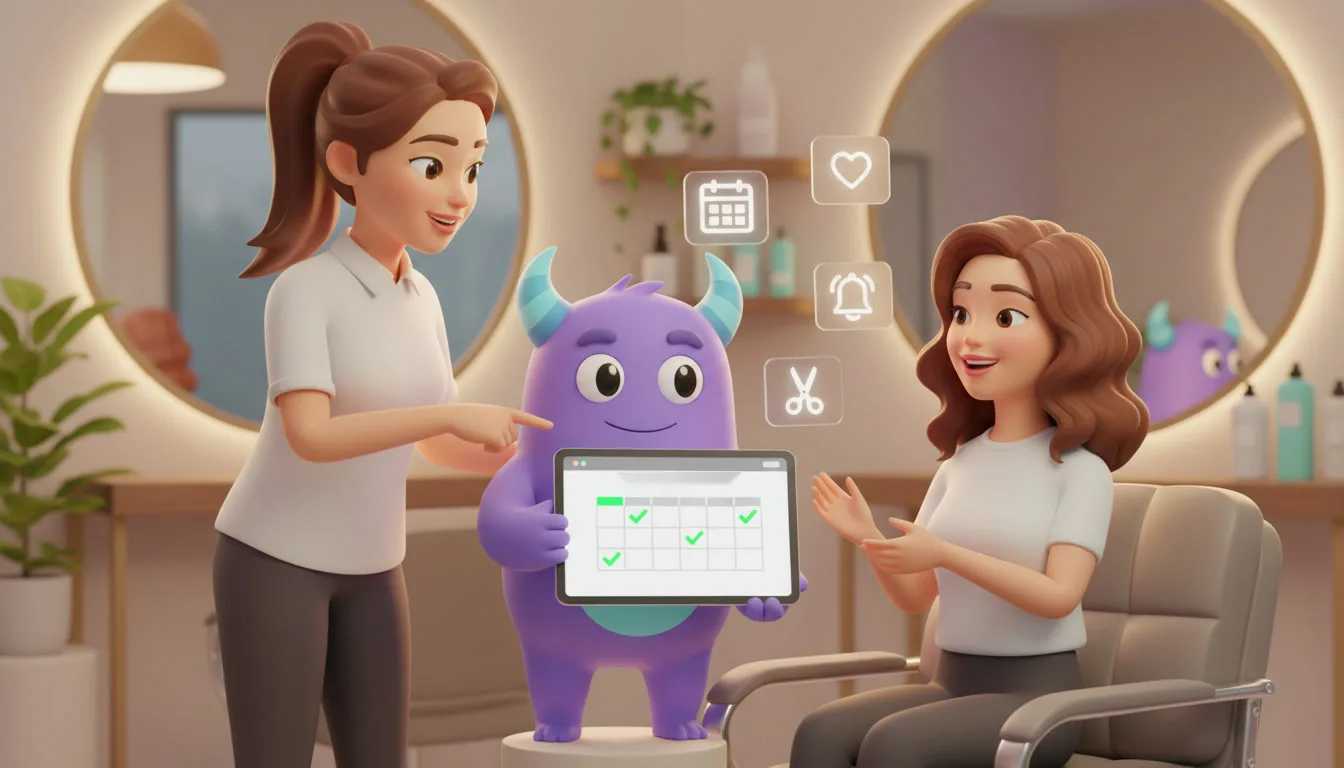

A CRM for beauty salons helps salons and beauty studios keep clients coming back on a regular rhythm. It brings bookings, client profiles, service history, stylist preferences, reminders and rebooking follow-ups into one place. If your team still keeps appointments in a paper diary, remembers color formulas from memory and only notices a regular has stopped coming when her usual slot sits empty, a salon CRM can fill your calendar with repeat visits. This guide is for owners, managers and front-desk teams at hair salons, nail and lash studios, barbershops, spas and multi-service beauty centers.
Key takeaways
- Rebooking is the heart of salon growth: the best time to book the next visit is before the client leaves the chair.
- Automated reminders and easy rescheduling reduce no-shows and last-minute gaps in the calendar.
- A client profile with service history, formulas and preferences lets any stylist deliver a consistent experience.
- Each service has a natural return cycle, and a CRM can follow up when a client is due instead of when someone remembers.
- Win-back messages for lapsed clients and requests for reviews after happy visits protect salon client retention.
What is a CRM for beauty salons?
A CRM for beauty salons is a system that stores client profiles, contact details, service and product history, stylist preferences, notes and communication in one place, and automates the tasks around them: booking confirmations, appointment reminders, rebooking prompts, birthday offers, win-back messages and review requests. It works alongside your booking calendar and payment terminal. Its job is the relationship side, so you know who is due for a visit, who has drifted away and what to do next.
Why salons struggle with client retention
Clients leave without booking the next visit
A client loves her new cut, pays and says she will call to book. Weeks pass, life gets busy, and when she finally thinks about it, the salon down the street has an open slot first.
No-shows and late cancellations leave gaps
An empty chair is time a stylist can"t sell again. When reminders depend on someone having a spare minute at the front desk, they are often sent late or not at all.
Client knowledge lives in one stylist"s head
Color formulas, allergies, preferred lengths and small talk topics are often remembered rather than recorded. If that stylist is off sick or leaves the salon, the client starts from zero with someone new.
Regulars drift away quietly
Most clients don"t announce they are leaving. Their visits stretch from every five weeks to every eight, and then stop, often without anyone noticing.
Salon CRM vs. paper diary vs. booking app only
| Capability | Paper diary + messenger | Booking app only | Beauty salon CRM |
|---|---|---|---|
| Appointment confirmations and reminders | Manual | Yes | Yes |
| Client profile with service history and notes | Partial | Partial | Yes |
| Rebooking prompts based on service cycle | No | Partial | Yes |
| Lists of overdue and lapsed clients | No | No | Yes |
| Segmented campaigns and birthday offers | No | Partial | Yes |
| Tasks for stylists and front desk | No | No | Yes |
| Reports on rebooking, retention and no-shows | Manual | Partial | Yes |
A booking app is good at filling a calendar. Beauty salon software with CRM features goes further by remembering each client and prompting your team to act on that knowledge.
Salon rebooking: make the next visit automatic
Salon rebooking works best when it happens at the checkout desk. Train your team to suggest the next date based on the service, and record it in the CRM before the client leaves. For clients who prefer to decide later, set a return cycle per service and let the CRM send a reminder when they are due.
Return cycles differ by service, so set them with your stylists. Here is an illustrative starting point to adjust for your salon:
| Service | Example return cycle | Reminder idea |
|---|---|---|
| Men"s haircut | 3–4 weeks | "Time for a fresh cut? Your usual Friday slot is open." |
| Root color touch-up | 5–7 weeks | "Your roots appointment is due. Same stylist as last time?" |
| Gel manicure | 2–3 weeks | "Ready for new nails? Book your next set in one click." |
| Lash extensions refill | 2–3 weeks | "Keep your lashes full. Your refill is due this week." |
| Facial treatment | 4–6 weeks | "Your skin is due for some care. Shall we book you in?" |
Reminders and no-show control
Send a confirmation at booking, a reminder a day before and, for longer services, a short note a few hours before. Every reminder should include an easy way to reschedule, because a client who can move her appointment is less likely to simply not show up. When a slot opens, offer it to clients on a waitlist.
Client profiles your whole team can use
Record what makes each visit personal: color formulas, products used, allergies or sensitivities, preferred stylist, preferred times and notes from the last conversation. Any stylist can then pick up where the last one left off.
Win-back, loyalty and reviews
Build a segment of clients who are well past their usual return cycle and send them a warm message, not a discount blast. A simple "we haven"t seen you in a while, is everything okay?" can surface a problem you can fix. Loyal regulars can receive birthday treats or a small thank-you after a set number of visits, and happy clients can get a review request the day after their appointment.
How to set up a salon CRM (step by step)
- Choose your goals. Start with one or two, such as more rebookings or fewer no-shows.
- Import and clean your client list. Merge duplicates and add phone, email, preferred stylist and last visit date.
- Add service history and notes. Record formulas, products and sensitivities for your regular clients first.
- Build the new-client pipeline. Use simple stages, such as First visit booked → First visit done → Second visit booked → Regular, so every first-time client gets a follow-up.
- Set up confirmations and reminders. Create the booking confirmation, the day-before reminder and a reschedule option.
- Define return cycles per service. Agree on them with your stylists and schedule "you"re due" reminders.
- Create an overdue client segment. Decide when a client counts as lapsed and who sends the win-back message.
- Add birthday and review messages. Keep them short, personal and optional.
- Train the front desk on rebooking. Make "shall we book your next visit?" part of every checkout.
- Review results monthly. Check rebooking, no-shows and lapsed clients, then adjust timing and wording.
Illustrative example: filling quiet weekdays
This is a hypothetical scenario, not data from a real salon or a guaranteed result.
Imagine a three-chair hair salon that is fully booked on Saturdays but quiet on Tuesday and Wednesday mornings. The team uses the CRM to:
- Find clients who are due for a cut or color within the next two weeks.
- Filter those who have booked weekday slots before.
- Send them a personal message offering their usual stylist on a quiet morning.
- Create a call task for regulars who don"t reply within a few days.
Instead of waiting for the phone to ring, the salon fills quiet slots with clients who were going to book anyway, and can see which messages worked.
How to do it in LUA CRM
LUA CRM gives beauty salons one place to manage clients, visits, follow-ups and team tasks.
Client database and history
Keep contact details, service history, preferences, notes and messages in a single client card.
Pipelines and automations
Create a pipeline for new clients and attach automations to each stage: confirmations, reminders, follow-ups and rebooking messages.
Segments and campaigns
Filter clients by service, stylist or last visit and send targeted messages to overdue clients, regulars and birthday groups.
Tasks and reports
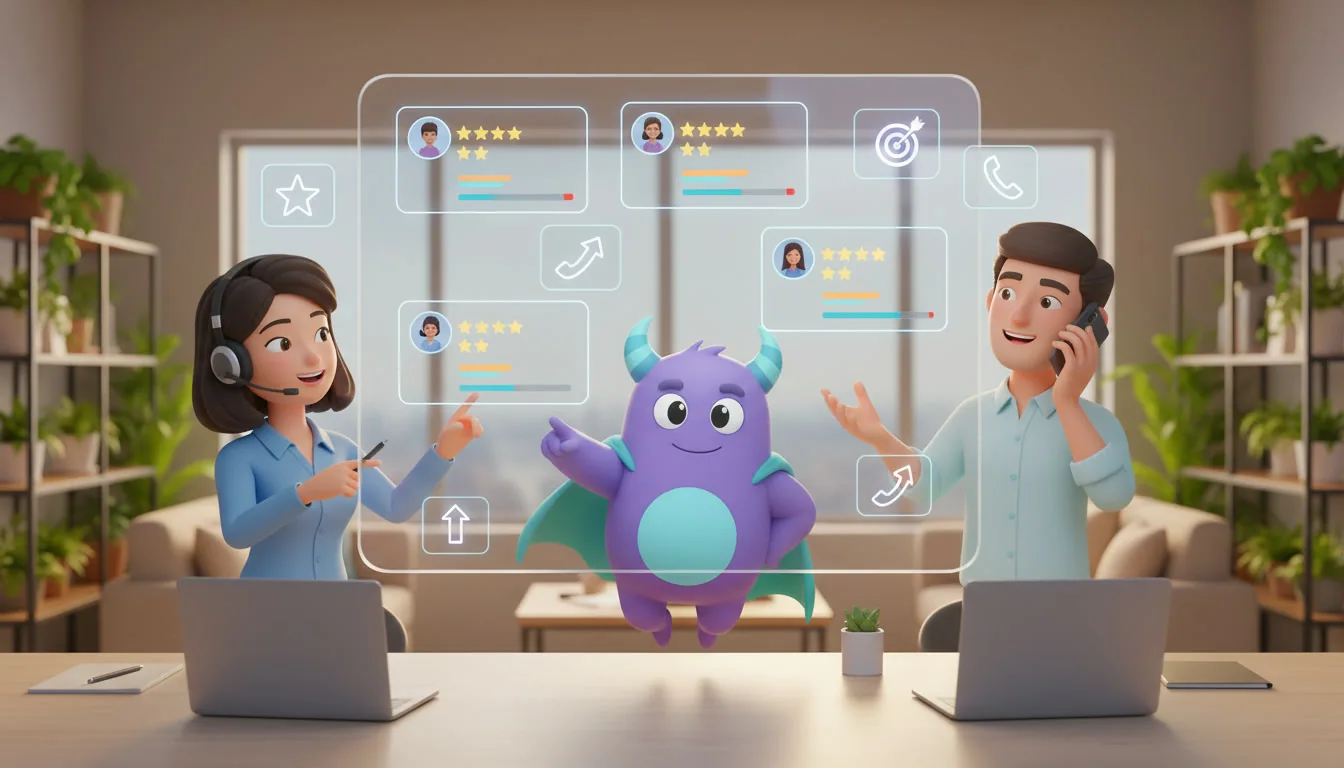
Assign follow-up calls to the right stylist or front-desk staff member, and track rebooking, no-shows and retention on dashboards.
Ready to keep your chairs full? Try LUA CRM and set up your first rebooking reminder today.
Metrics to track
Rebooking rate
Clients who booked their next visit before leaving ÷ all completed visits.
Client retention rate
Clients who visited in both this period and the previous one ÷ clients who visited in the previous period.
No-show rate
No-shows and late cancellations ÷ total booked appointments, by stylist and service.
Frequently asked questions
Not necessarily. Your booking system manages the calendar. A CRM manages client profiles, history, communication and follow-ups, so you know who to contact and when.
Yes. Small salons live on regulars, and a CRM helps one or two people remember every client"s history and follow up on time without extra admin work.
Ask every client to book their next visit at checkout, and set reminders based on each service"s return cycle for clients who prefer to decide later.
It depends on your clients. Messengers and SMS work well for short reminders, while email suits newsletters and seasonal offers. Let clients choose their preferred channel.
A basic setup with client profiles, reminders and a rebooking rule can usually be ready in a few days. Win-back and loyalty messages can be added step by step.
Conclusion
A busy salon isn"t built on new clients alone. It"s built on clients who come back every few weeks and feel known each time they sit in the chair. A CRM for beauty salons connects bookings, reminders, client profiles, rebooking and win-back messages, so your team acts at the right moment. Start with rebooking, automate the reminders and improve a little every month.
To go further, explore these customer retention strategies, read about customer churn and how to prevent it, learn how to calculate customer lifetime value, and see how CRM automation saves time.
Turn first-time clients into loyal regulars. Start with LUA CRM and automate your client journey.
.jpg)