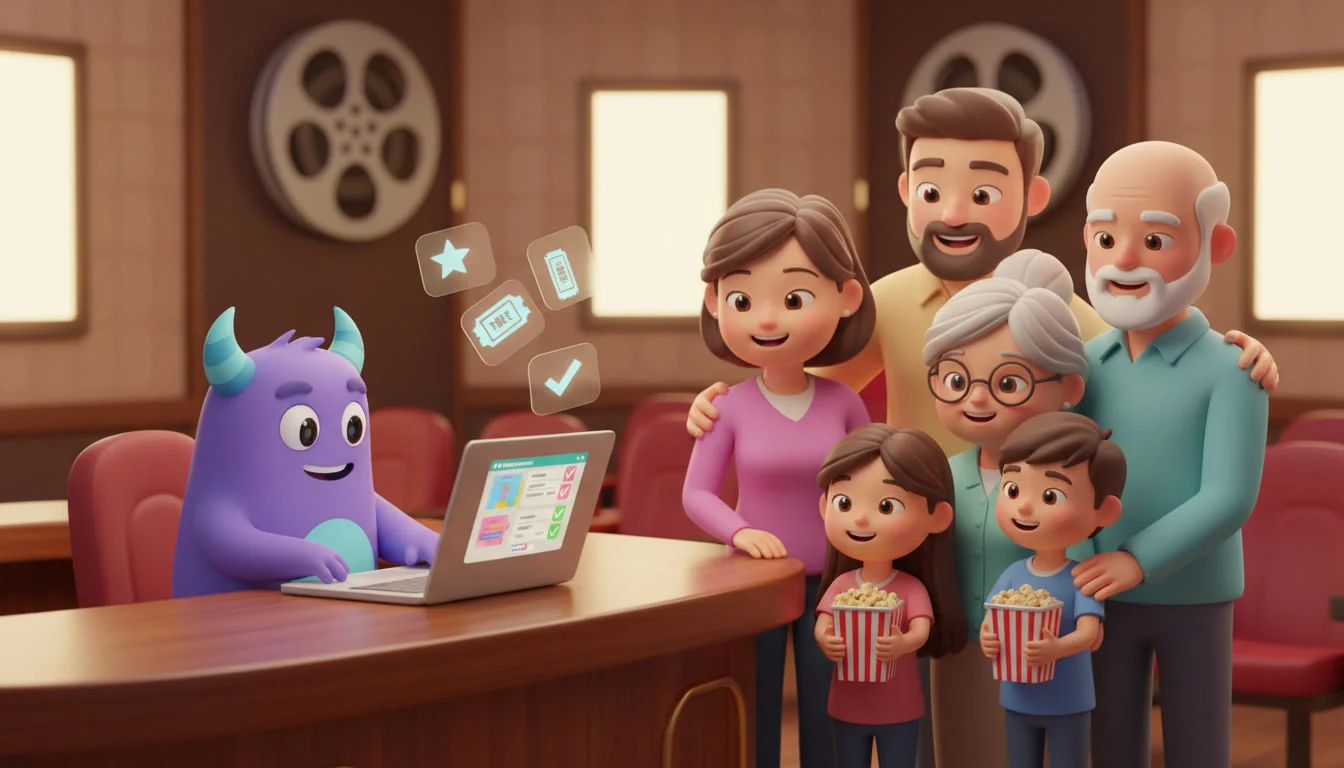

A CRM for cinemas helps movie theaters turn one-time ticket buyers into regular guests. It connects online bookings, loyalty and memberships, targeted campaigns for premieres, group bookings, concession offers and guest feedback in one place. If your team still sends the same newsletter to everyone and handles corporate screenings by email threads and spreadsheets, a cinema CRM can fill more seats and make every visit feel personal. This guide is for cinema owners, managers and marketing teams at independent and multi-screen theaters.
Key takeaways
- Every online booking is a chance to learn what a guest likes: genres, showtimes, formats and snacks.
- Loyalty programs and memberships work best when points, perks and renewals are automated, not tracked by hand.
- Segmented campaigns for premieres reach the people most likely to buy, instead of the whole list.
- Group and corporate bookings deserve their own pipeline, with clear stages and follow-up tasks.
- Concession pre-orders and short post-visit surveys raise the value of each visit and show you what to fix.
What is a CRM for cinemas?
A CRM for cinemas is a system that stores guest profiles, booking history, loyalty status and communication in one place, and automates the marketing and service tasks around each visit: confirmations, reminders, offers, renewals and feedback requests. It doesn’t replace your ticketing or point-of-sale system. It manages the relationship side, so you know who your guests are and why they come back.
Why cinemas struggle to bring guests back
Guests are anonymous
Many tickets are bought at the box office or through third-party apps, so the cinema never learns who the guest is. Without contact details and preferences, there’s no way to invite them back for the next film they would enjoy.
Everyone gets the same message
A weekly "now showing" email sent to the whole list is easy to ignore. A family with young children and a horror fan want very different films, showtimes and offers.
Group requests get lost
Birthday parties, school trips and corporate screenings often arrive by phone, email or website forms. Without one place to track them, quotes are late, details are missed and repeat business slips away.
Feedback arrives too late
If the only feedback is a public review, problems with sound, seating or cleanliness are discovered after the damage is done.
Cinema CRM vs. spreadsheets vs. ticketing system only
| Capability | Spreadsheets + email | Ticketing system only | Cinema CRM |
|---|---|---|---|
| Single guest profile with visit history | No | Partial | Yes |
| Segments by genre, format or showtime | Manual | Limited | Yes |
| Automated loyalty and membership renewals | No | Sometimes | Yes |
| Premiere and pre-sale campaigns | One list for everyone | Basic | Targeted, scheduled campaigns |
| Group and corporate booking pipeline | Email threads | No | Stages, quotes and tasks |
| Concession offers tied to bookings | No | Limited | Yes |
| Post-visit feedback and follow-up | Rarely | No | Automated surveys and tasks |
The key difference: a ticketing system sells a seat, while a CRM manages the whole relationship, so the guest comes back for the next film.
The core workflows a cinema CRM should automate
Online bookings and confirmations
Send an instant confirmation with the film, showtime, hall, seats and a link to add snacks. A short reminder a few hours before the show, with parking or directions, makes the visit easier. Every booking also updates the guest profile with genre, format and preferred day.
Loyalty programs and memberships
Award points automatically for tickets and concessions, send a message when a guest reaches a new tier, and remind members before their membership expires. Perks like a free popcorn on a birthday or early access to pre-sales give guests a reason to choose your cinema.
Segmented campaigns for premieres
Build segments from booking history: action fans, families, fans of a franchise, guests who prefer premium formats or late-night shows. When pre-sales open for a big release, invite the right segment first, then follow up with those who opened but didn’t book.
Group and corporate bookings
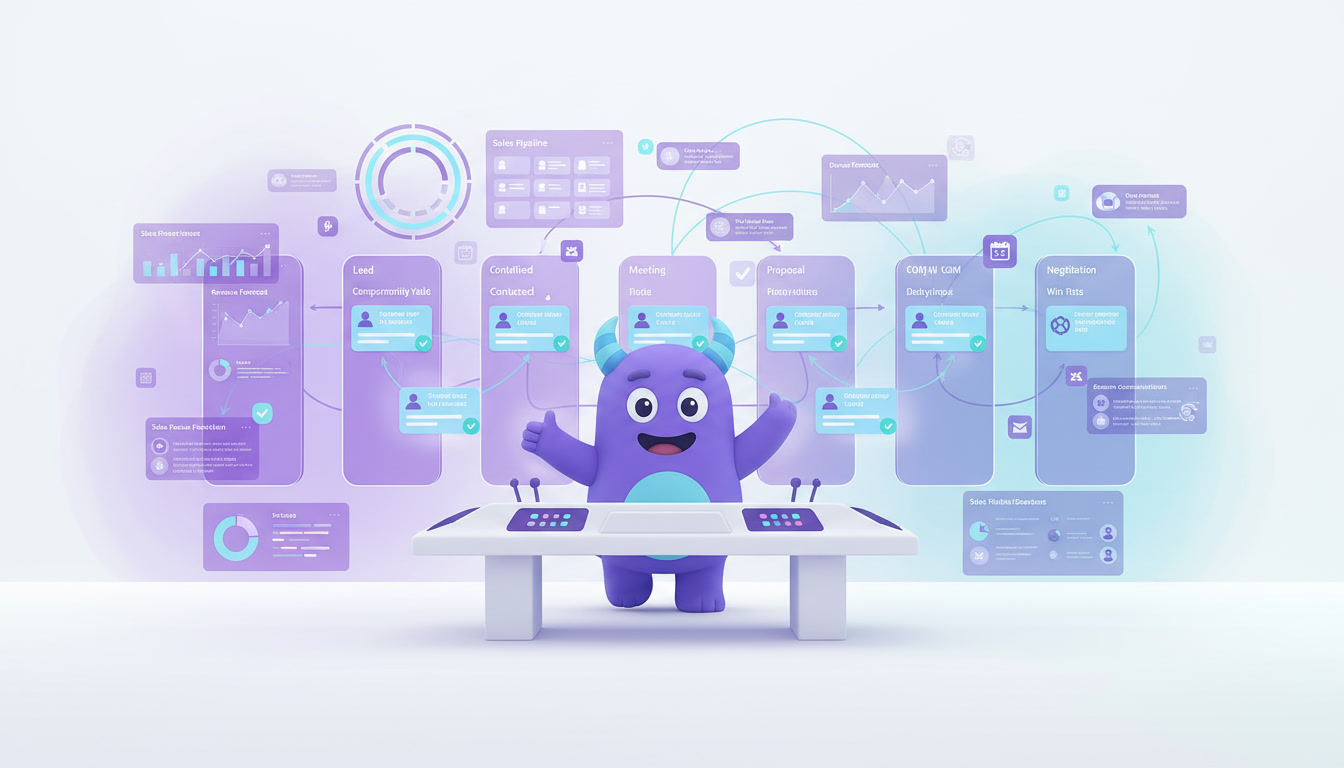
Capture every group request in a dedicated pipeline, for example: New request → Quote sent → Confirmed → Event held → Follow-up. Assign a manager, set deadlines for quotes and send a thank-you with an offer for the next event after the screening.
Concession upsells
Offer snack combos when guests book online, so they can pick up their order without queuing. Tailor offers to the audience: family combos for kids’ matinees, drink and snack bundles for late shows.
Feedback after the visit
Send a short survey the morning after the show. If a guest reports a problem, the CRM creates a task for a manager to respond. Happy guests can be invited to leave a public review.
How to set up a cinema CRM (step by step)
- Define your goals. Choose one or two to start, such as more repeat visits, more members or more group bookings.
- Collect guest data with consent. Capture email or phone at online booking, loyalty sign-up and Wi-Fi or kiosk forms, with clear permission for marketing.
- Import and clean your contacts. Merge duplicates and connect past bookings to guest profiles where possible.
- Create your segments. Start simple: families, genre fans, members, premium-format fans and corporate clients.
- Set up booking messages. Build the confirmation and pre-show reminder, including a snack pre-order link.
- Launch your loyalty rules. Decide how points are earned, what perks each tier gets and when renewal reminders go out.
- Build a group booking pipeline. Add stages, a request form and tasks so every inquiry gets a quick quote.
- Plan premiere campaigns. Schedule pre-sale invitations by segment for upcoming releases.
- Add post-visit feedback. Send a short survey and route complaints to a manager as tasks.
- Review results monthly. Look at repeat visits, campaign bookings and survey scores, then adjust.
Illustrative example: a premiere campaign
This is a hypothetical scenario, not data from a real cinema or a guaranteed result.
Imagine a four-screen cinema preparing for a new superhero release. Instead of one email to the whole list, the team uses the CRM to:
- Invite members and guests who watched earlier films in the franchise to an early pre-sale.
- Offer families a weekend matinee with a kids’ snack combo.
- Send corporate clients an offer for a private screening for their team.
- Remind guests who opened the invitation but didn’t book, two days before the premiere.
Each group gets a message that fits them, and the team can see which segments booked the most seats to plan the next release.
How to do it in LUA CRM
LUA CRM gives cinemas one place to manage guests, bookings, campaigns and team tasks.
Guest database and history
Keep contact details, visits, preferences, loyalty status and messages in a single guest card.
Pipelines and automations
Create pipelines for group and corporate bookings and attach automations to each stage: confirmations, reminders, follow-ups and renewal messages.
Segments and campaigns
Filter guests by preferences and history, and send targeted messages for premieres, special screenings and offers.
Tasks and reports
Assign group requests and feedback follow-ups to the right staff member, and track bookings and campaign results on dashboards.
Ready to fill more seats? Try LUA CRM and set up your first guest campaign today.
Metrics to track
Repeat visit rate
The share of guests who return within a set period, such as 60 or 90 days.
Campaign booking rate
Bookings made from a campaign ÷ guests who received it, by segment.
Membership growth and renewal rate
New members per month and the share who renew.
Concession spend per guest
Average snack and drink revenue per visit, including pre-orders.
Group booking conversion
Confirmed group events ÷ group requests received.
Frequently asked questions
No. Your ticketing and point-of-sale systems sell seats and snacks. A CRM manages guest profiles, communication, loyalty and follow-ups around those sales.
Invite guests to join a loyalty program, offer a small perk for signing up, and capture contacts on online bookings, kiosks or Wi-Fi forms, always with clear consent.
Yes. Small cinemas often rely on a loyal local audience, and a CRM helps them keep in touch with regulars, promote special screenings and manage private events without extra staff.
It depends on your audience. Email works well for programs and newsletters, while SMS or messengers are good for short reminders and last-minute offers. Let guests choose their preferred channel.
A basic setup with booking messages, a few segments and a group booking pipeline can usually be ready in a few days. Loyalty rules and campaigns can be added step by step.
Conclusion
Filling seats isn’t only about the films you show. It’s about knowing your guests and giving them reasons to come back. A CRM for cinemas brings bookings, loyalty, premiere campaigns, group events, concession offers and feedback together, so every guest gets a more personal experience. Start with one goal, build simple segments and improve every month.
To go further, explore customer retention strategies, learn how to automate repetitive work, and see how lead management helps you win more group and corporate bookings.
Turn first-time viewers into regulars. Start with LUA CRM and automate your guest journey.