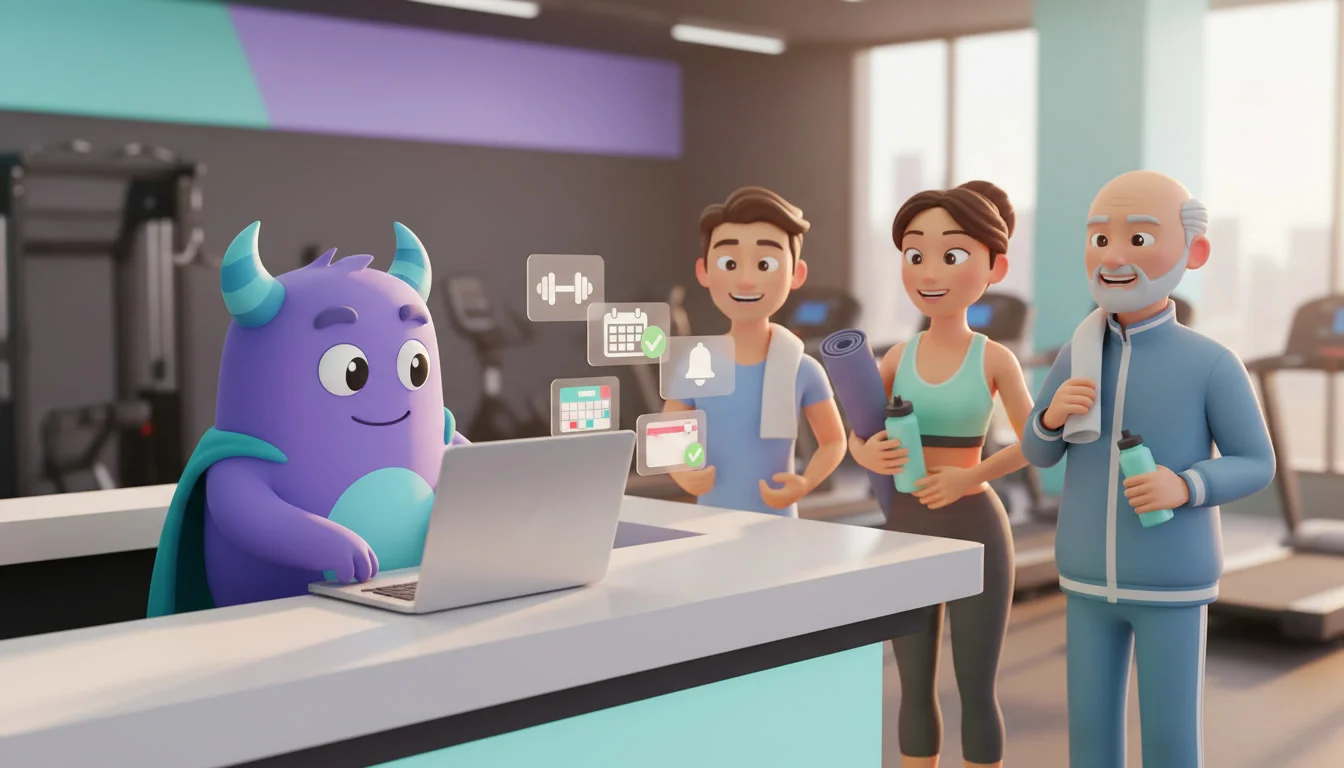

A CRM for fitness centers helps gyms and studios turn trial visitors into members and keep those members training for longer. It brings leads, trial bookings, membership renewals, class schedules, attendance signals and member communication into one place. If your team still tracks trial guests in a notebook, chases renewals by hand and only notices a member has quit when the payment stops, a gym CRM can grow memberships and cut churn. This guide is for owners, managers and sales teams at gyms, fitness clubs, yoga and pilates studios and boutique training centers.
Key takeaways
- Every trial visit should start a follow-up sequence, so no interested guest is forgotten after their first workout.
- Automated renewal reminders sent before a membership ends are easier than winning a member back after it lapses.
- Falling attendance is the earliest churn signal, and a CRM can flag it while there is still time to help.
- Class booking, waitlists and reminders reduce empty spots and no-shows in group classes.
- Personal training and add-on offers work best when they are based on each member"s goals and history.
What is a CRM for fitness centers?
A CRM for fitness centers is a system that stores member and lead profiles, membership status, visit and class history, goals and communication in one place, and automates the sales and retention tasks around them: trial follow-ups, renewal reminders, class confirmations, check-ins with inactive members and feedback requests. It doesn"t replace your access control or payment terminal. It manages the relationship side, so you know who is likely to join, who is likely to leave and what to do next.
Why gyms struggle to grow memberships
Trial guests go cold
A guest tries a free class or a day pass, enjoys it and leaves. Without a clear follow-up, nobody calls them, and a few days later the motivation is gone or they have joined a different gym.
Renewals are handled at the last minute
When renewal dates live in spreadsheets or a payment system, staff often notice an expiring membership only after it has ended. By then the member has already started to drift away.
Quiet members leave without warning
Most members don"t cancel suddenly. They come less often, skip their usual classes and then stop. If nobody is watching attendance, this pattern is invisible until it is too late.
Classes are full one day and empty the next
Popular classes have waitlists while others run half empty, and people who book and don"t show take spots from members who wanted them.
Gym CRM vs. spreadsheets vs. access control only
| Capability | Spreadsheets + messenger | Access control / payments only | Fitness center CRM |
|---|---|---|---|
| Lead and trial pipeline | Manual | No | Yes |
| Single member profile with goals and history | Partial | Partial | Yes |
| Automated renewal reminders | No | Partial | Yes |
| Inactive member alerts | No | No | Yes |
| Class booking reminders and waitlists | Manual | Partial | Yes |
| Tasks for trainers and sales staff | No | No | Yes |
| Reports on conversion, renewals and churn | Manual | Partial | Yes |
From trial visit to membership
Treat every inquiry and trial booking as a lead in a simple pipeline: Inquiry → Trial booked → Trial attended → Offer sent → Member. Each stage can trigger an action:
- Trial booked: a confirmation with the address, what to bring and the class or trainer they will meet.
- Trial attended: a thank-you message the same day and a task for a staff member to call within a set time.
- Offer sent: a reminder a few days later if the guest hasn"t joined, with a clear next step.
- No-show: an easy link to rebook the trial instead of losing the lead.
Record the guest"s goal during the first visit, such as losing weight, building strength or reducing back pain. It makes every later message more relevant.
Membership renewal automation
Set reminders to go out before a membership ends, for example 14 days and 3 days before the end date, and create a task for staff if the member hasn"t renewed by the last day. For members on monthly payments, a failed payment can trigger a friendly message and a follow-up task instead of a silent cancellation.
Renewal is also the right moment to offer a longer plan, a family membership or a package that matches the member"s routine.
Spotting members who are about to quit
Define simple churn signals and let the CRM watch for them:
- No visits for a set number of days, such as 14 or 21.
- Visits per week dropping well below the member"s usual pattern.
- Several missed class bookings in a row.
- A low score or a complaint in a feedback survey.
When a signal appears, send a warm check-in message or assign a trainer to reach out personally. A short "we miss you, can we help?" conversation often uncovers a solvable problem, like a schedule change or a lack of progress.
Class booking, waitlists and reminders
For group classes, send a reminder a few hours before the start with an easy cancel link. When someone cancels, offer the spot to the next person on the waitlist automatically. Over time, booking data shows which classes and times are most popular, so you can adjust the schedule.
Personal training and add-on offers
Use goals and history to make offers that feel helpful rather than pushy: a personal training starter pack for a member who has plateaued, a nutrition consultation for weight-loss goals or a new class format for someone who attends the same class every week. Track each offer in the CRM so trainers can see what has already been suggested.
How to set up a gym CRM (step by step)
- Define your goals. Choose one or two to start, such as more trial conversions or fewer cancellations.
- Import and clean your member list. Merge duplicates and add membership type, start date and end date to each profile.
- Build the trial pipeline. Add the stages above and connect your website form and phone inquiries.
- Set up trial messages and tasks. Create the confirmation, the same-day thank-you and the call task for staff.
- Automate renewal reminders. Schedule messages before the end date and a task if the member hasn"t renewed.
- Define churn signals. Choose your inactivity rules and decide who follows up and how.
- Connect class booking reminders. Add reminders, cancel links and waitlist offers for group classes.
- Record member goals. Add a goal field and ask for it at the first visit.
- Add feedback requests. Send a short survey after the first month and route low scores to a manager.
- Review results monthly. Look at trial conversion, renewals and churn, then adjust messages and rules.
Illustrative example: winning back quiet members
This is a hypothetical scenario, not data from a real gym or a guaranteed result.
Imagine a mid-sized fitness club that notices cancellations rise after the holidays. The team uses the CRM to:
- Flag every member who hasn"t visited in 14 days.
- Send them a friendly check-in with a link to book a free session with a trainer.
- Create a call task for members who don"t respond within a few days.
- Offer members with schedule problems a switch to off-peak classes.
Instead of finding out at renewal time, the team talks to members while they are still deciding, and can see which actions brought people back.
How to do it in LUA CRM
LUA CRM gives fitness centers one place to manage leads, members, renewals and team tasks.
Member database and history
Keep contact details, membership type and dates, goals, visits and messages in a single member card.
Pipelines and automations
Create a pipeline for trials and new members and attach automations to each stage: confirmations, follow-ups, offers and renewal reminders.
Segments and campaigns
Filter members by membership type, goals or activity and send targeted messages for new classes, challenges and renewals.
Tasks and reports
Assign trial calls and check-ins to the right trainer or sales staff member, and track conversion, renewals and churn on dashboards.
Ready to grow your memberships? Try LUA CRM and set up your first trial follow-up today.
Metrics to track
Trial conversion rate
New members ÷ trial visits attended, for a given period.
Renewal rate
Memberships renewed ÷ memberships that reached their end date.
Monthly churn rate
Members who cancelled or didn"t renew in a month ÷ active members at the start of that month.
Average visits per member
Total visits ÷ active members, per week or month. A falling number is an early warning.
Class fill rate
Booked and attended spots ÷ available spots, by class and time.
Frequently asked questions
No. Access control lets members in and payment systems take money. A CRM manages leads, member profiles, communication, renewals and follow-ups around them.
Yes. Small studios depend on a close community of regulars, and a CRM helps them follow up with every trial guest and notice when a regular stops coming, without extra staff.
The clearest early sign is falling attendance. Set a rule, such as no visits for 14 days, and let the CRM alert your team so someone can check in.
It depends on your members. Messengers and SMS work well for class reminders and quick check-ins, while email suits newsletters and renewal offers. Let members choose their preferred channel.
A basic setup with a trial pipeline, renewal reminders and an inactivity rule can usually be ready in a few days. Class reminders and offers can be added step by step.
Conclusion
Growing a fitness center isn"t only about bringing in new people. It"s about turning trial visits into memberships and helping members stay motivated. A CRM for fitness centers connects trial follow-ups, renewals, churn signals, class bookings and personal offers, so your team acts at the right moment. Start with one goal, automate the basics and improve every month.
To go further, read about customer churn and how to prevent it, learn how to calculate customer lifetime value, and see how to automate repetitive work.
Turn trial visitors into loyal members. Start with LUA CRM and automate your member journey.