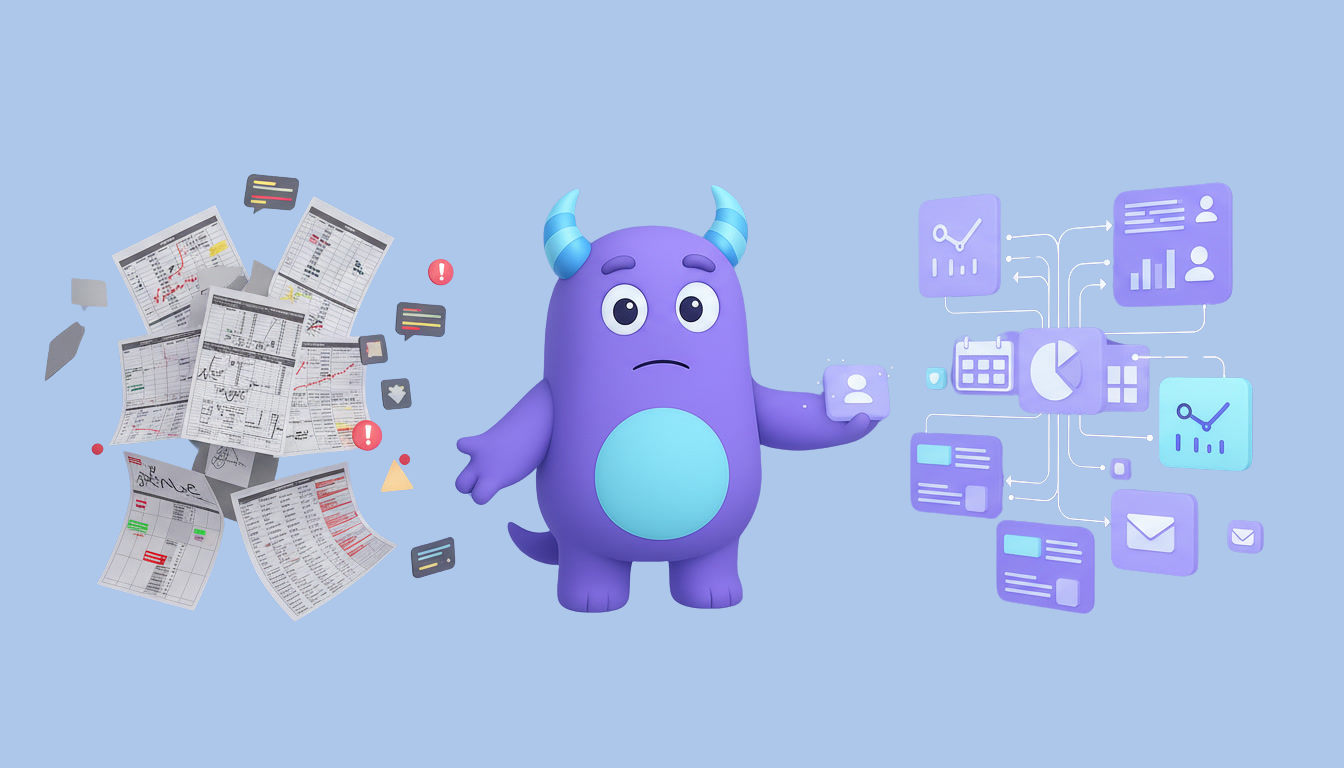

A manufacturing CRM gives small and mid-sized manufacturers one place to manage B2B inquiries, quotes, orders, production status updates and repeat customers, so sales and production stop working from different spreadsheets and email threads. When every quote and order update sits on the same customer record, your team can answer faster and win the next order from the same dealer or distributor. This guide explains what a manufacturing CRM is, where manufacturers usually lose deals and accounts, which workflows matter most, how to set one up step by step and which metrics to track. It is written for owners, sales managers and plant managers at B2B manufacturers.
Key takeaways
- A manufacturing CRM connects the commercial side of the business (inquiries, quotes, orders) with the customer-facing side of production (status updates, delivery dates, reorders).
- Most lost B2B deals come from slow quotes, unanswered follow-up and order details scattered across inboxes.
- Quote and order pipelines with clear stages, owners and reminders make it obvious what needs attention today.
- Dealers, distributors and repeat buyers need account care between orders, not only when a new request arrives.
- Track quote turnaround, quote-to-order rate, on-time updates and repeat order rate to see where the process slows down.
What is a manufacturing CRM?
A manufacturing CRM is a customer relationship management system set up for the way manufacturers sell and serve B2B customers. It stores companies, buyers and contacts, inquiries, quotes, orders, notes, documents and message history in one shared database. Instead of tracking quotes in a spreadsheet, order changes in email and customer promises in someone"s head, the whole team sees every opportunity and every active order in a pipeline with a next step and an owner.
A CRM does not replace production planning or inventory software. It covers the relationship side: who the customer is, what they asked for, what you quoted, what they ordered and when they should hear from you next. If you are deciding where a CRM ends and an ERP begins, our guide to ERP vs. CRM explains the difference.
Where manufacturers lose deals and repeat customers
Quotes take too long or disappear
A request for quote often needs input from engineering, purchasing and production before a price can be sent. When nobody owns the request, it waits in an inbox while the buyer collects prices from competitors.
Order details live in too many places
Drawings, specifications, quantities, agreed prices and delivery terms arrive by email, phone and messenger. If they are not stored on the order record, production may work from an outdated version and the customer hears different answers from different people.
Customers chase you for status updates
B2B buyers plan their own work around your delivery dates. When they have to call to ask where their order is, it signals that nobody is watching.
Dealers and distributors go quiet
Repeat accounts are the foundation of most manufacturing businesses, yet many teams only contact them when a new order arrives. A distributor who has not ordered for a while may already be buying from someone else.
Manufacturing CRM vs. spreadsheets vs. email only
| Area | Spreadsheets | Email only | Manufacturing CRM |
|---|---|---|---|
| Inquiries and RFQs | Manual log, often incomplete | Buried in personal inboxes | Each request is a record with an owner and due date |
| Quotes | Separate files per customer | Attachments in threads | Tracked in a pipeline with follow-up reminders |
| Order status | Updated when someone remembers | Answers depend on who replies | Stages visible to sales and customer service |
| Customer history | Spread across tabs | Spread across threads | One company card with contacts, notes and orders |
| Repeat business | Rarely tracked | Ad hoc | Scheduled check-ins and reorder reminders |
The core workflows a manufacturing CRM should support
Inquiry and RFQ intake
Every new inquiry should become a record with the company, the buyer, the product or part, the quantity, the required date and any attached files. Our article on lead management explains how to qualify new inquiries so the team spends time on serious opportunities.
Quote pipeline
Quotes move through stages such as request received, technical review, pricing, quote sent, negotiation, won and lost. Each stage should have an owner and a next action. Record the reason for every lost quote. Our guide to the CRM sales pipeline covers how to design stages that reflect real progress.
Order confirmation and production updates
Once a quote is accepted, the deal becomes an order with the agreed specification, price and delivery date. Simple stages such as confirmed, in production, quality check, ready to ship and delivered let sales and customer service answer status questions without walking to the shop floor each time.
Delivery and after-sales follow-up
After delivery, schedule a short check-in to confirm the customer is satisfied and to collect any issues early.
Dealer and distributor account care
Tag accounts by type, region and product line. Schedule regular check-ins and set reminders for customers who usually reorder at predictable intervals, so your team reaches out before the buyer starts looking elsewhere.
How to set up a manufacturing CRM (step by step)
- Map your current process. Write down how a request moves from first inquiry to delivered order today and where information is stored at each step.
- Define your pipelines. Create a quote pipeline and an order pipeline with stages your team actually uses, not an ideal process nobody follows.
- Agree on required fields. Decide which details must be filled in for every inquiry and order, such as product, quantity, required date, delivery terms and responsible person.
- Import existing customers. Bring in active accounts, key contacts and open quotes first. Remove duplicates before importing. Our guide to Excel to CRM migration walks through cleanup and field mapping.
- Assign ownership. Give every account and every open quote a responsible person, plus a backup for holidays and busy periods.
- Add reminders and automations. Set follow-up tasks after quotes are sent, status update reminders for orders in production and reorder reminders for repeat accounts.
- Prepare message templates. Write short templates for quote follow-up, order confirmation, production updates and delivery notices, then adjust them for each customer.
- Train the team and review. Run a short training for sales, customer service and the plant manager, then review the pipelines together after two weeks and simplify anything people avoid using.
Illustrative example: fewer status calls after an order pipeline
Imagine a small metal fabrication company that sells parts to equipment dealers. Quotes were tracked in a spreadsheet, and order updates depended on the sales manager asking the plant manager in person. Dealers often called to ask about delivery dates, and some quotes were never followed up. The company moved to a shared CRM with one quote pipeline and one order pipeline, added a follow-up task a few days after every quote and asked the plant manager to move orders between production stages. This is a hypothetical example to show the workflow, not a measured case study.
How to do it in Lua CRM
Lua CRM gives manufacturers one place for customer accounts, quotes, orders, messages and team tasks.
Company and contact profiles
Keep buyers, decision makers, notes, documents and message history on one card, with a clear owner for every account.
Pipelines and automations
Create separate pipelines for quotes and orders, and attach reminders and automations to each stage so follow-up and status updates happen on time. A good CRM automation setup removes much of the manual chasing.
Tasks and team handoffs
Assign technical reviews, pricing, production updates and delivery check-ins as tasks, so work passes between sales, engineering and production without losing context.
Segments and campaigns
Group dealers and distributors by region, product line or order history, and send email or SMS campaigns about new products, price updates or seasonal ordering windows.
Metrics to track
Quote turnaround time
The average time between receiving a complete request for quote and sending the quote to the customer.
Quote-to-order rate
Quotes accepted ÷ quotes sent. Track it by product line.
On-time status updates
Orders where the customer received an update before asking ÷ all active orders. A low share means customers are chasing you.
Repeat order rate
Customers who placed another order within a chosen period ÷ all customers with an order. See our list of CRM KPIs for more ideas.