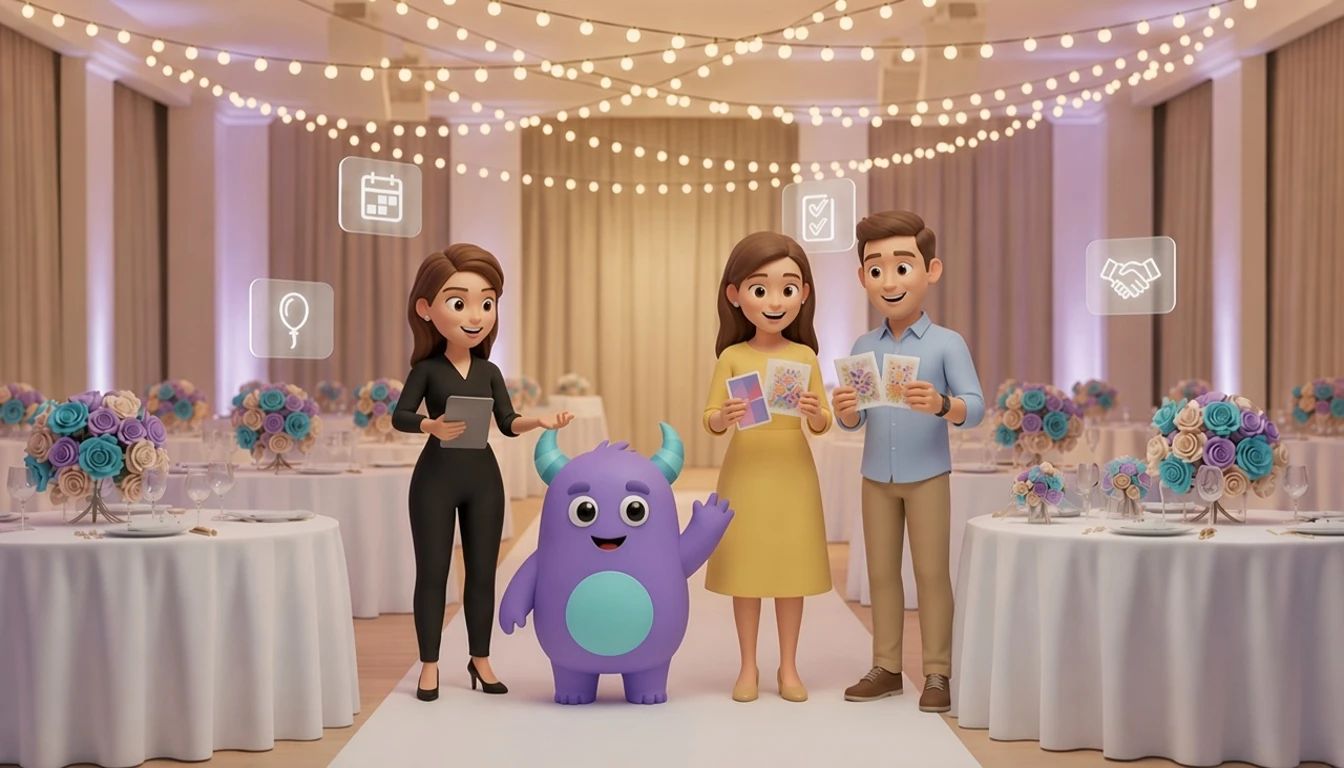

An event planner CRM helps wedding planners, corporate event organizers and party planners keep inquiries, proposals, client briefs, vendors, payments and timelines in one place, so no lead goes cold and no detail is forgotten on the big day. Instead of inquiries spread across email, phone and social media, vendor contacts in a personal phone and deadlines in several spreadsheets, your team sees which inquiries need a reply, which proposals are waiting for a decision and which vendor confirmations are still missing. This guide is for owners and coordinators of event planning businesses who want to book more events, keep clients informed and run every project with less stress.
Key takeaways
- An event planner CRM connects inquiries, proposals, contracts, vendors, payments and event timelines on one client record.
- Quick, personal replies to event inquiries win more bookings, because clients often contact several planners at once.
- Treating each event as a project with tasks and deadlines keeps the team and vendors on schedule.
- Vendor coordination is easier when every supplier, quote and confirmation is linked to the event.
- Client follow-up after the event brings reviews, referrals and repeat bookings.
What is an event planner CRM?
An event planner CRM is software that manages the client and project side of an event business: inquiries, discovery calls, proposals, contracts, payment milestones, vendor bookings, timelines, client communication and post-event follow-up. It works alongside your design tools, accounting software and venue systems. The focus is on keeping every client and every event organized from the first message to the thank-you note.
Many planners start with an inbox, a calendar and a spreadsheet per event. That works for a few events a year. When you manage several weddings, conferences or private parties at the same time, each with its own vendors and deadlines, details start to slip. An event planning CRM gives the whole team one shared view.
Where event planners lose bookings and time
Event inquiries wait too long
People planning an event often ask several planners for availability and prices. If your reply arrives late or sounds generic, the client may book someone else before you have a chance to talk.
Proposals are sent and forgotten
Without a reminder, nobody checks back after a proposal goes out. Many clients need a gentle nudge or a quick call to answer questions before they decide.
Vendor details are scattered
Caterers, florists, photographers, venues, AV teams and decorators each have their own quotes, deadlines and contacts. When this lives in different chats and files, it is easy to miss a confirmation or a final headcount.
Payments and deadlines slip
Deposits, installments and final payments, as well as vendor deadlines, are hard to track by hand when several events overlap.
The event booking pipeline
A pipeline turns the path from inquiry to finished event into clear stages. Here is an illustrative setup you can adapt for weddings, corporate events or private parties:
| Stage | What to record | Example automation |
|---|---|---|
| New inquiry | Name, contact, event type, date, guest count, budget range, source | Instant acknowledgment and a task to reply personally the same day |
| Discovery call | Call date, client goals, style, must-haves | Reminder to the client before the call |
| Proposal sent | Package, price, valid-until date | Follow-up message after a few days if there is no reply |
| Contract and deposit | Signed contract, deposit amount and date | Payment reminder and welcome message |
| Planning | Timeline, vendors, guest count, decisions | Tasks created from the event checklist with due dates |
| Event week | Final schedule, vendor arrival times, contact list | Confirmation messages to vendors and the client |
| Post-event | Feedback, final invoice, review status | Thank-you message with a review request |
Keep the stages simple at first. For more on designing stages, see this guide to the CRM sales pipeline.
Answering event inquiries quickly and personally
Log every inquiry in the CRM as soon as it arrives, whether through your website, email, phone, social media or a venue partner. Assign an owner and record the basics: event type, date, guest count and budget range. Check availability for the date straight away, so your first reply can confirm whether you are free.
Copyable inquiry follow-up sequence
- Right after the inquiry: "Thank you, [Name]. We would love to hear more about your [event type] on [date]. Can we schedule a short call this week?"
- After the call: "It was great talking about your plans. Here is our proposal for [event type], including [package] and next steps."
- A few days later: "Hi [Name], do you have any questions about the proposal? We are happy to adjust it to your budget or guest list."
- Before the proposal expires: "Your proposal is valid until [date]. Reply to reserve your date with a deposit."
If you receive many inquiries, a simple lead scoring model helps you prioritize those with a confirmed date, a realistic budget and a good fit for your services.
Managing each event as a project
Once a client signs, every event becomes a project with its own timeline. Create a checklist template for each event type, such as weddings, conferences or birthday parties, with tasks counted back from the event date. For example: book the venue, confirm the caterer, send the guest list deadline, finalize the seating plan and confirm the run of show.
Assign each task to a team member with a due date. When a decision is made, record it on the event so everyone sees the latest version, from the menu to the color palette. Recurring reminders and status updates are good candidates for CRM automation.
Vendor coordination without the chaos
Keep every vendor as a contact in the CRM with their services, prices, past events and notes on reliability. Link vendors to each event they work on, together with their quote, deposit status, arrival time and point of contact on the day.
- Send vendors their final schedule and venue details a few days before the event.
- Track confirmations so you know who has replied and who needs a call.
- Record final headcounts and dietary requirements where the caterer can see them.
- After the event, note how each vendor performed to guide future recommendations.
With a full vendor history, it is easier to suggest trusted partners to new clients and to plan similar events faster.
Client follow-up after the event
Event management client follow-up does not end when the guests leave. Send a thank-you message within a few days, ask for feedback and share a review link with happy clients. Corporate clients often plan events every year, so set a reminder to contact them before their next planning season. Private clients may plan anniversaries, birthdays or family celebrations later, and they also recommend planners to friends. A customer referral program can reward those introductions.
How to set up a CRM for your event planning business: step by step
- List your event types and packages. They decide which fields, checklists and pipelines you need.
- Design the client and event records. Contact details, event date, venue, guest count, budget, style notes, decisions and payment status.
- Import clients and vendors. Clean duplicates first. This guide to Excel to CRM migration can help.
- Build the booking pipeline. Every inquiry gets an owner, a reply deadline and a follow-up.
- Create checklist templates. Tasks with due dates counted back from the event date for each event type.
- Add message templates. Inquiry replies, proposal follow-ups, payment reminders, vendor confirmations and thank-you messages.
- Review after every event. Check what went well, update checklists and record vendor notes.
For a structured rollout, follow this CRM implementation plan.
Illustrative example: a planner who stops losing inquiries
This is a hypothetical scenario, not data from a real company or a guaranteed result.
Imagine a small event planning studio with three coordinators handling weddings and corporate events. Inquiries come from the website, social media and venue partners, and each coordinator keeps their own spreadsheet. After setting up a CRM, the studio:
- Logs every inquiry with an owner and replies the same day.
- Follows up on open proposals automatically.
- Uses checklist templates so every event has tasks and deadlines from day one.
- Links vendors, quotes and confirmations to each event.
Coordinators can cover for each other, and clients get consistent updates no matter who they talk to.
How to do it in LUA CRM
Client and vendor records
Keep clients, vendors, events, documents and conversations connected in one place.
Pipelines, projects and tasks
Run the booking pipeline and manage each event with tasks, deadlines and owners.
Automations
Send inquiry replies, proposal follow-ups, payment reminders and thank-you messages automatically.
Reports
Track inquiries, booking rate, upcoming events and payments on dashboards.
Want to book more events with less stress? Try LUA CRM and see how it fits your event business.
Metrics to track
Inquiry response time
Average time between an inquiry and your first personal reply.
Proposal win rate
Contracts signed ÷ proposals sent in the same period.
On-time task completion
Event tasks completed by their due date ÷ all event tasks.
Repeat and referral bookings
Bookings from past clients or referrals ÷ all bookings.
For more ideas on measurement, see these CRM KPIs.
Frequently asked questions
Yes. When you plan alone, every forgotten follow-up or missed vendor deadline costs you directly. A CRM keeps inquiries, tasks and vendor details organized while you focus on clients.
Yes. Use separate pipelines or tags for each event type, with different checklists, fields and message templates.
Keep vendor details and schedules on the event record and send confirmations from the CRM. Vendors usually do not need access to the system itself.
Yes. Record payment milestones on each event and set reminders before each due date, while your accounting tool handles invoices and bookkeeping.
A basic inquiry and proposal pipeline can often be ready in a few days. Checklist templates and vendor records can be added step by step.
Conclusion
An event planner CRM will not choose the flowers, but it helps your team answer every inquiry quickly, keep vendors and deadlines on track and stay in touch with clients after the event. Start with the booking pipeline and one checklist template, then add vendor records, payment reminders and post-event follow-up as the basics run smoothly.