
Ahogy a vállalkozások növekednek, a napi működés irányítása egyre összetettebbé válik. A csapatoknak kezelniük kell az ügyfélmegkereséseket, nyomon kell követniük az értékesítési lehetőségeket, feladatokat kell menedzselniük és koordinálniuk kell a belső folyamatokat. Ha ezeket a tevékenységeket manuálisan végzik, az gyakran hatékonyságvesztéshez, késésekhez és elmulasztott lehetőségekhez vezet.
Itt játszanak döntő szerepet a CRM rendszerek. A modern CRM platformok már nem csupán az elérhetőségi adatok tárolására szolgáló eszközök. Olyan hatékony rendszerekké fejlődtek, amelyek segítenek a vállalkozásoknak a munkafolyamatok automatizálásában, a működés észszerűsítésében és az általános termelékenység javításában.
A CRM automatizálás használatával a vállalatok csökkenthetik a manuális munkát, javíthatják a pontosságot, és biztosíthatják, hogy a fontos feladatok időben elkészüljenek.
Mi az a CRM automatizálás?
A CRM automatizálás az ügyfélkapcsolat-kezelő rendszer használatát jelenti az ismétlődő üzleti folyamatok – például az érdeklődők kezelése, az utánkövetések, a feladatok kiosztása és a kommunikációs munkafolyamatok – automatizálására.
Ahelyett, hogy minden egyes műveletet manuálisan végeznének el, a vállalkozások olyan szabályokat határozhatnak meg, amelyek konkrét események alapján automatizált folyamatokat indítanak el. Például, amikor egy új érdeklődő bekerül a rendszerbe, a CRM automatikusan hozzárendelheti azt egy értékesítési képviselőhöz, és beütemezhet egy utánkövetési emlékeztetőt.
Ez segít biztosítani, hogy egyetlen érdeklődő se vesszen el, és hogy az értékesítési folyamat zökkenőmentesen működjön.
Miért fontos az üzleti folyamatok automatizálása?
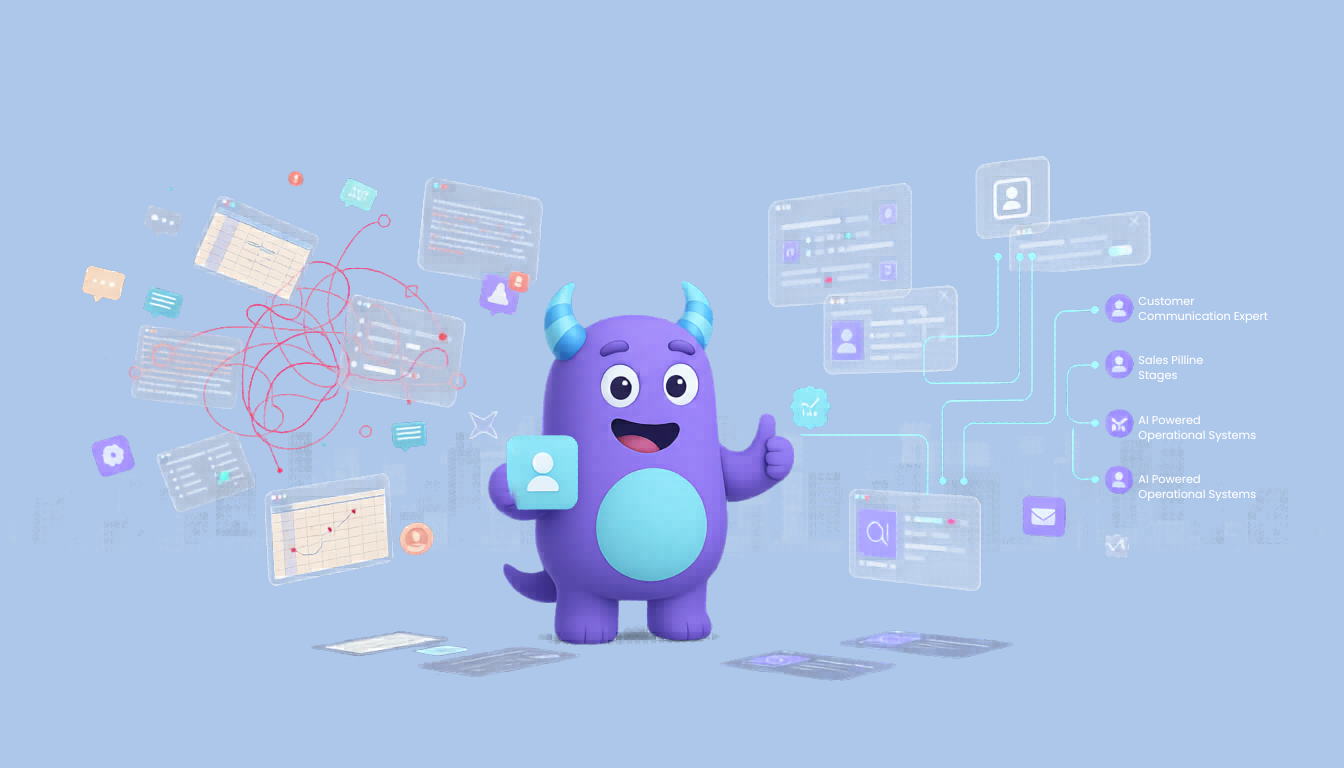
A manuális folyamatok gyakran lelassítják a működést és növelik a hibák kockázatát. A munkamennyiség növekedésével a munkatársak nehezen tudnak lépést tartani az ismétlődő feladatokkal, ami a határidők elmulasztásához és következetlen teljesítményhez vezet.
Az automatizálás lehetővé teszi a vállalkozások számára, hogy nagyobb munkamennyiséget kezeljenek a csapat létszámának növelése nélkül. A manuális munka csökkentésével a munkatársak olyan stratégiai tevékenységekre összpontosíthatnak, mint az ügyfelekkel való kapcsolatépítés és az üzletkötés.
Az automatizálás a következetességet is javítja. A feladatok előre meghatározott szabályok szerint futnak le, biztosítva, hogy a folyamatok minden alkalommal ugyanúgy hajtódjanak végre.
Kulcsfontosságú üzleti folyamatok, amelyeket CRM segítségével automatizálhat
A CRM rendszerek számos különböző folyamatot képesek automatizálni a különböző részlegeken. A leggyakoribb területek közé, ahol az automatizálás alkalmazható, a következők tartoznak:
Az érdeklődők kezelése (lead management) az egyik legfontosabb folyamat. Amikor egy új érdeklődő érkezik egy weboldalról vagy marketingkampányból, a CRM automatikusan rögzítheti az információkat, hozzárendelheti azokat egy csapattaghoz, és utánkövetési feladatokat hozhat létre.
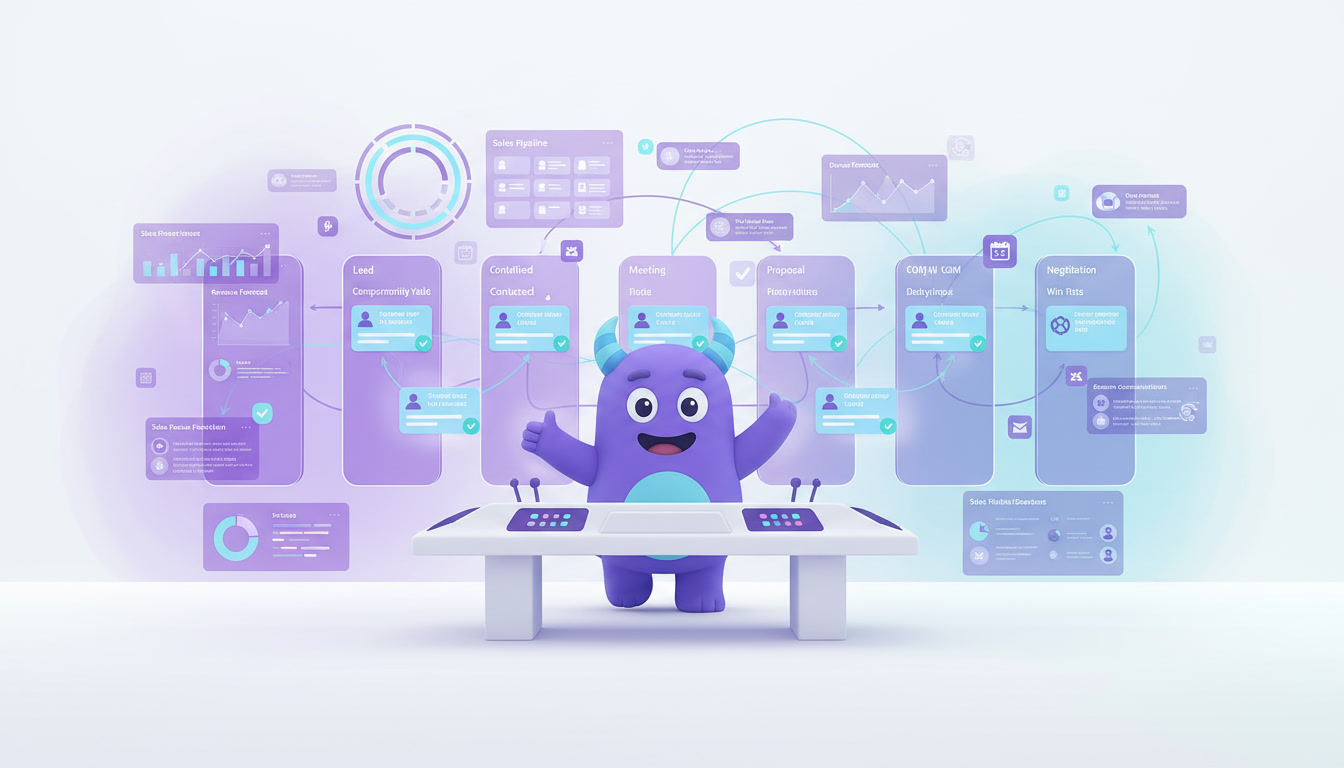
Az értékesítési tölcsér (pipeline) kezelése szintén automatizálható. Ahogy az üzletek a különböző szakaszokon haladnak keresztül, a CRM frissítheti az állapotokat, értesítéseket küldhet, és elindíthatja a következő lépéseket.
Az ügyfélkommunikáció egy másik kulcsfontosságú terület. Az automatizált e-mailek, emlékeztetők és értesítések biztosítják, hogy az ügyfelek időben kapjanak válaszokat és frissítéseket.
A feladatkezelés egyszerűsíthető azáltal, hogy a feladatokat előre meghatározott feltételek alapján automatikusan kiosztjuk a csapattagoknak. Ez biztosítja a felelősségi körök egyértelmű meghatározását, és azt, hogy semmi se kerülje el a figyelmet.
Példák a CRM automatizálásra a gyakorlatban
Hogy jobban megértse a CRM automatizálás működését, íme néhány gyakorlati példa.
Amikor egy új ügyfél kitölt egy űrlapot a weboldalán, a CRM rendszer automatikusan létrehozhat egy kapcsolati rekordot, hozzárendelheti az érdeklődőt egy értékesítési képviselőhöz, és küldhet egy üdvözlő e-mailt.
Ha egy üzletet megnyertnek jelölnek, a rendszer elindíthat egy automatizált munkafolyamatot, amely számlát generál, értesíti a pénzügyi csapatot, és beütemez egy utánkövető üzenetet az ügyfélnek.
Az ügyfélszolgálat esetében a beérkező kérések automatikusan kategorizálhatók és a megfelelő csapathoz rendelhetők, ami gyorsabb válaszidőt biztosít.
A CRM automatizálásra való használatának előnyei
A CRM automatizálás egyik legnagyobb előnye a megnövekedett hatékonyság. A manuális munka csökkentésével a csapatok olyan magas értékű feladatokra összpontosíthatnak, amelyek közvetlenül hozzájárulnak az üzleti növekedéshez.
Az automatizálás az emberi hibák számát is csökkenti. Mivel a feladatok előre meghatározott szabályok alapján futnak le, kisebb a manuális adatbevitelből vagy a kihagyott lépésekből adódó hibák kockázata.
További előny a jobb ügyfélélmény. Az automatizált válaszok és az időben történő utánkövetések segítenek a vállalkozásoknak a következetes kommunikáció fenntartásában az ügyfelekkel.
Emellett a CRM rendszerek jobb rálátást biztosítanak az üzleti működésre. A vezetők nyomon követhetik a teljesítményt, ellenőrizhetik a munkafolyamatokat, és azonosíthatják a fejlesztendő területeket.
Hogyan segít a Lua CRM az üzleti folyamatok automatizálásában
A Lua CRM-et úgy tervezték, hogy segítse a vállalkozásokat működésük automatizálásában és a hatékonyság növelésében. A platform lehetővé teszi a vállalatok számára, hogy egyedi, a saját folyamataikhoz igazodó munkafolyamatokat hozzanak létre.
A Lua CRM segítségével a vállalkozások automatizálhatják az érdeklődők kezelését, a feladatok kiosztását, a kommunikációs munkafolyamatokat és a jelentéskészítést. A felhasználók olyan szabályokat határozhatnak meg, amelyek automatikusan indítanak el műveleteket, biztosítva a folyamatok zökkenőmentes, manuális beavatkozás nélküli működését.
A Lua CRM rugalmassága lehetővé teszi a csapatok számára, hogy a rendszert egyedi igényeikhez igazítsák, megkönnyítve a növekedés és a növekvő munkaterhelés kezelését.
Az adatok központosításával és a munkafolyamatok automatizálásával a Lua CRM segít a vállalkozásoknak csökkenteni az összetettséget és hatékonyabban működni.
Első lépések a CRM automatizálással
A CRM automatizálás bevezetése nem igényel bonyolult technikai tudást. A vállalkozások kezdhetik azzal, hogy azonosítják azokat az ismétlődő feladatokat, amelyek sok időt vesznek igénybe, és automatizálhatók.
Miután ezeket a folyamatokat azonosították, átültethetik őket automatizálási szabályokká a CRM rendszeren belül. Fontos, hogy egyszerű munkafolyamatokkal kezdjenek, és a vállalkozás növekedésével fokozatosan terjesszék ki az automatizálást.
A munkafolyamatok folyamatos nyomon követése és optimalizálása biztosítja, hogy az automatizálás hatékony maradjon, és összhangban legyen az üzleti célokkal.
Összegzés
Az automatizálás az üzleti siker kulcsfontosságú tényezőjévé válik. Azok a vállalatok, amelyek manuális folyamatokra támaszkodnak, gyakran nehezen tudnak lépést tartani a növekvő igényekkel és a versennyel.
Az üzleti folyamatok CRM rendszerekkel történő automatizálásával a szervezetek javíthatják a hatékonyságot, csökkenthetik a hibákat és növelhetik az ügyfélélményt.
Az olyan platformokkal, mint a Lua CRM, a vállalkozások könnyen bevezethetik az automatizálást, és a növekedésüket támogató munkafolyamatokat hozhatnak létre.
A technológia folyamatos fejlődésével a CRM automatizálás még nagyobb szerepet fog játszani abban, hogy segítse a vállalatokat a növekedésben és a sikeres működésben a versenyző piacon.