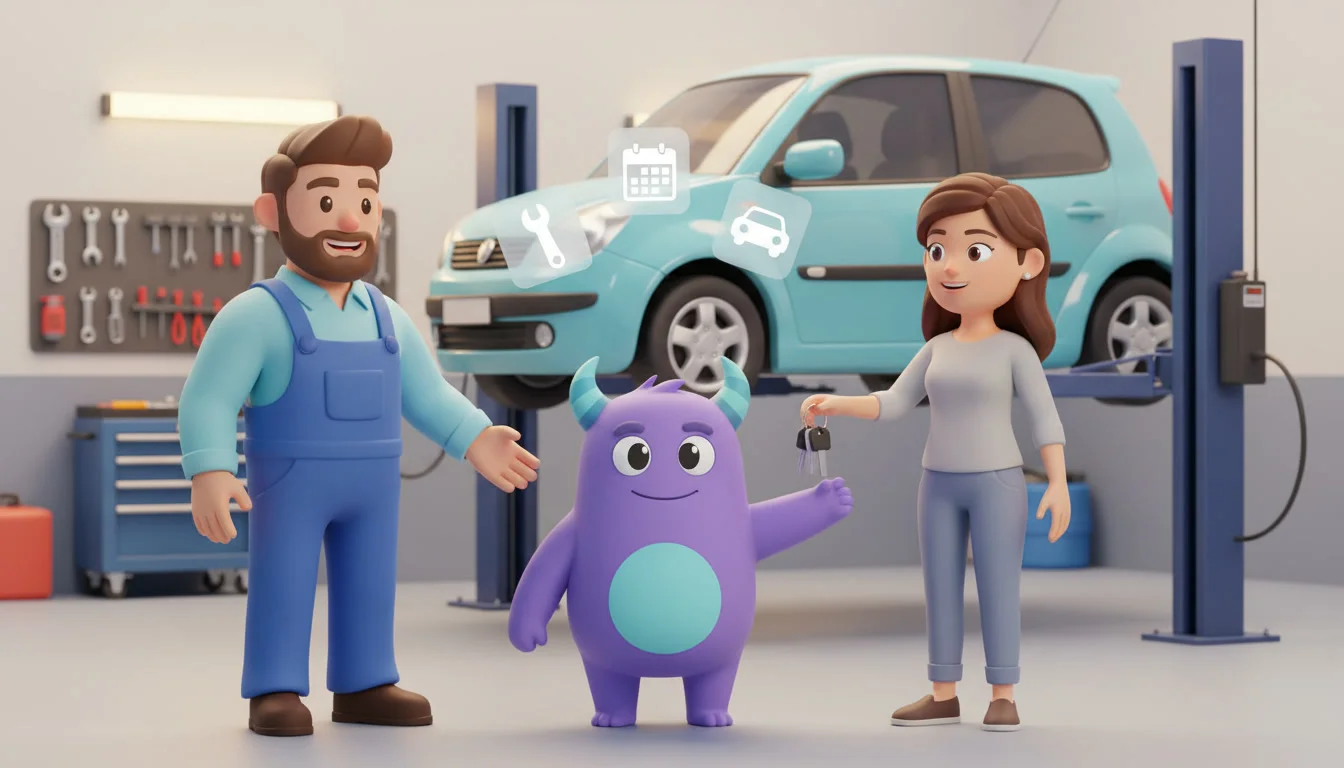

An auto repair shop CRM helps garages and car service centers keep every customer, vehicle, estimate and service date in one place, so approved jobs move smoothly through the workshop and drivers come back when their next service is due. Instead of customer phone numbers on job cards, estimates in a desktop folder and service reminders in someone's head, your team sees which estimates are waiting for approval, which cars are ready for pickup and which customers are due for an oil change or inspection. This guide is for independent garage owners, service advisors, tire and brake shops and multi-bay car service centers that want fewer no-shows, faster approvals and more repeat visits.
Key takeaways
- An auto repair shop CRM links each customer to their vehicles, service history, estimates and invoices on one card.
- A simple job pipeline from booking to pickup shows the whole team where every car is and what it is waiting for.
- Estimate follow-ups turn declined or postponed work into future bookings instead of forgotten notes.
- Service reminders based on date or mileage bring customers back before they search for another garage.
- Post-visit check-ins and review requests build trust and a steady flow of word-of-mouth customers.
What is an auto repair shop CRM?
An auto repair shop CRM is software that manages customers, vehicles, appointments, estimates, communication and repeat-service reminders for garages and car service businesses. It records who owns which car, what work was done, what was recommended but postponed, and when the next service should happen. Your parts suppliers, diagnostic tools and accounting software can keep doing their jobs; the CRM keeps the customer relationship and the follow-up work organized so nothing depends on memory.
It is different from a dealership CRM. A dealership focuses on selling vehicles and test drives, while a repair shop earns its living from recurring service, honest recommendations and long relationships with drivers who keep the same car for years. If you sell cars as well, see this guide to car dealership CRM.
Why repair shops lose customers between visits
Estimates are given and never followed up
A customer hears that their brake pads will need replacing soon, says "next month", and drives off. Without a reminder, that job often ends up at a different shop or is delayed until it becomes urgent and more expensive for the driver.
Service history is scattered
Past work lives on paper job cards, in an invoicing tool and in the memory of the mechanic who did it. When a regular calls, the service advisor cannot quickly see what was replaced last time or what was recommended.
Customers are not told when the car is ready
Phones ring all day with "Is my car done yet?" calls. Advisors stop work to answer, and customers feel uninformed even when the job is on schedule.
No system brings drivers back
Most drivers do not track service intervals. If the shop does not remind them, they wait for a warning light or book wherever is convenient when the problem appears.
The repair job and customer pipeline
A pipeline shows every vehicle in the shop and the next step it needs. Here is an illustrative pipeline you can adapt to your workshop:
| Stage | What to record | Example automation |
|---|---|---|
| Booking request | Customer, vehicle, plate, complaint, preferred date | Instant confirmation and a reminder the day before |
| Vehicle checked in | Mileage, drop-off time, promised pickup time | Task for the technician to start diagnosis |
| Diagnosis and estimate | Findings, parts, labor, priority (now or later) | Send the estimate and alert the advisor if not approved within a few hours |
| Approved / in repair | Approved items, parts ordered, technician | Alert if parts are late or the job passes its promised time |
| Ready for pickup | Final invoice, notes for the customer | "Your car is ready" message with pickup hours |
| Picked up | Payment, next service due date or mileage | Check-in message and review request a couple of days later |
| Postponed work | Recommended items the customer declined | Follow-up task in a few weeks or before the next service |
Keeping postponed work as its own stage is one of the simplest ways to protect revenue, because the recommendation is already made and the customer already trusts you. For more on designing stages, see this guide to the CRM sales pipeline.
Estimate follow-ups that feel helpful, not pushy
Drivers postpone work for good reasons: budget, timing or simply needing to think. A short, respectful sequence keeps your recommendation in front of them and gives them an easy way to book when they are ready.
Copyable estimate follow-up workflow
- Right after the visit: "Hi [Name], here is the summary for your [car model]. We marked [item] as recommended soon. Reply here if you would like us to explain anything."
- Two to three weeks later: "A quick reminder about the [item] we recommended for your [car model]. Would you like us to reserve a time this month?"
- Before the next service: "Your next service is coming up. We can check the [item] at the same visit so you only need to come in once."
- If the customer had it done elsewhere: mark the item as closed and record the reason so you can see patterns in price or availability.
Service reminders by date and mileage
Repeat service is where a repair shop builds a stable business. Record the next service date or mileage on every vehicle card when the car is picked up. For customers who drive a similar distance each month, you can estimate when they will reach the next interval and remind them shortly before.
Useful reminder types include routine maintenance, seasonal tire changes, annual inspections, battery checks before winter and warranty-related services. Segment customers by vehicle type, last visit date and how often they come so reminders stay relevant. To group customers by how recently and how often they visit, RFM analysis works well for garages too.
Status updates and trust
Clear communication is often what separates a shop customers recommend from one they simply use. Send a short update when the car is checked in, when the estimate is ready, if a delay happens and when the car is ready. Attaching photos of worn parts to the estimate, where your tools allow it, helps customers understand the recommendation without a long phone call.
A few days after pickup, a simple check-in such as "How is the car driving after the service?" catches any issue early and shows that you care. It is also the natural moment to ask happy customers for a review or to recommend you to a friend.
How to set up a CRM for your auto repair shop: step by step
- Define your stages. Map your real process from booking to pickup, plus a stage for postponed work.
- Design customer and vehicle cards. Contact details, preferred channel, vehicles with plate, model, year and mileage, service history and recommended items.
- Import existing customers. Clean duplicates and fix phone numbers first. This guide to Excel to CRM migration can help.
- Add next service dates. Start with customers who visited in the past year so reminders deliver value quickly.
- Set up automations. Booking confirmations, "car ready" messages and estimate follow-ups first; seasonal campaigns later.
- Assign roles. Service advisors own customer communication; technicians update diagnosis and job status.
- Train the team. Show what to update at check-in, after diagnosis and at pickup so the data stays reliable.
- Review monthly. Check estimate approval rate, returning customers and overdue follow-ups, then adjust messages.
For a structured rollout, follow this CRM implementation plan.
Illustrative example: a four-bay garage that stops losing postponed jobs
This is a hypothetical scenario, not data from a real shop or a guaranteed result.
Imagine a family-run garage with four bays, three technicians and one service advisor. Job cards are on paper, and recommended work is written on the invoice and forgotten. After setting up a CRM, the shop:
- Sees every car in the workshop on one board, from check-in to pickup.
- Sends a "car ready" message automatically, so the advisor spends less time on status calls.
- Keeps a list of postponed recommendations and follows up a few weeks later.
- Reminds customers about their next service based on the date recorded at pickup.
The team now knows which customers to call this week and why, instead of waiting for the phone to ring.
How to do it in LUA CRM
Customer and vehicle records
Keep contacts, vehicles, service history, notes and conversations on one customer card.
Pipelines and automations
Run a job pipeline and a postponed-work pipeline, with reminders and messages attached to each stage.
Tasks and roles
Assign estimate follow-ups, status updates and service reminders to advisors, with role-based access for technicians.
Reports
Track estimate approval rate, returning customers and overdue tasks on dashboards.
Want more repeat service visits? Try LUA CRM and see how it fits your shop.
Metrics to track
Estimate approval rate
Approved estimate items ÷ estimate items presented in the same period.
Postponed work recovered
Postponed items later completed at your shop ÷ all postponed items.
Returning customer rate
Customers with a repeat visit in the past 12 months ÷ all active customers.
For more ideas on measurement, see these CRM KPIs.
Frequently asked questions
Not necessarily. Shop management tools often focus on parts, labor times and invoicing. A CRM focuses on customer communication, follow-ups, reminders and relationship history. Some shops use both, while smaller garages often start with a CRM and simple invoicing.
Yes. Small shops depend heavily on repeat customers and referrals, so reminders for postponed work and upcoming services help protect that loyalty without extra admin.
Both, where possible. Dates are easy to automate, while mileage is more accurate for drivers who cover long distances. Record the mileage at every visit and choose the trigger that fits each service.
Keep messages short, useful and tied to their vehicle, and let customers choose their preferred channel. A few relevant reminders per year feel like good service rather than marketing.
A basic job pipeline with booking confirmations and "car ready" messages can often be ready in a few days. Service reminders and postponed-work follow-ups can be added step by step.
Conclusion
An auto repair shop CRM will not replace skilled technicians or honest advice, but it helps your team follow every estimate, keep customers informed and remind drivers before their next service is due. Start with a simple job pipeline and next service dates for recent customers, then add postponed-work follow-ups and review requests as the team gets comfortable.
Ετοιμάστε ένα Δωρεάν γεννήτρια τιμολογίων στον περιηγητή σας. Δεν απαιτείται λογαριασμός και το προσχέδιο παραμένει σε αυτήν τη συσκευή.