
A car dealership CRM helps your sales and service teams turn more leads and test drives into sales by putting every inquiry, test drive, trade-in appraisal, follow-up and service reminder in one place. Instead of leads scattered across forms, marketplaces, calls and notebooks, everyone sees each customer, the vehicle they want and the next step. This guide is for dealership owners, sales managers, BDC and showroom staff, and service managers at independent dealers, small dealer groups and auto service centers.
Key takeaways
- Speed and consistency matter: a buyer who sends inquiries to several dealers often visits the one that answered first and clearly.
- A dealership pipeline shows every lead, from first inquiry to test drive, offer, delivery and first service.
- Every test drive should end with a follow-up task, an owner and a due date, so no interested buyer is forgotten.
- Trade-in details, financing status and vehicle interest belong in the customer card, not in separate notes.
- Service reminders keep customers coming back after the sale and build the relationship for their next car.
What is a car dealership CRM?
A car dealership CRM stores leads, customers, test drives, trade-ins, deals and service history in one place, and automates replies, confirmations, follow-up tasks and service reminders. Your dealer management system tracks the cars. An auto dealer CRM tracks the people: who asked about which vehicle, who owns the next step and when it is due.
Why dealerships lose leads and sales
Leads arrive from too many places
Inquiries come from your website, marketplaces, social media, messengers, phone calls and walk-ins. When each channel lives in a different inbox, some leads get a reply in minutes and others never hear back.
Test drives without a follow-up
A customer enjoys the drive, wants to talk it over at home and leaves. If nobody calls back as agreed, they keep shopping elsewhere.
Trade-in and financing details get lost
Appraisal values and financing preferences often live on paper or in one salesperson"s head. When that person is off, the customer repeats everything.
The relationship ends at delivery
Many dealerships stop contacting customers after delivery. Without service reminders and check-ins, the customer may service the car, and buy the next one, elsewhere.
Dealership lead management: build a pipeline you can see
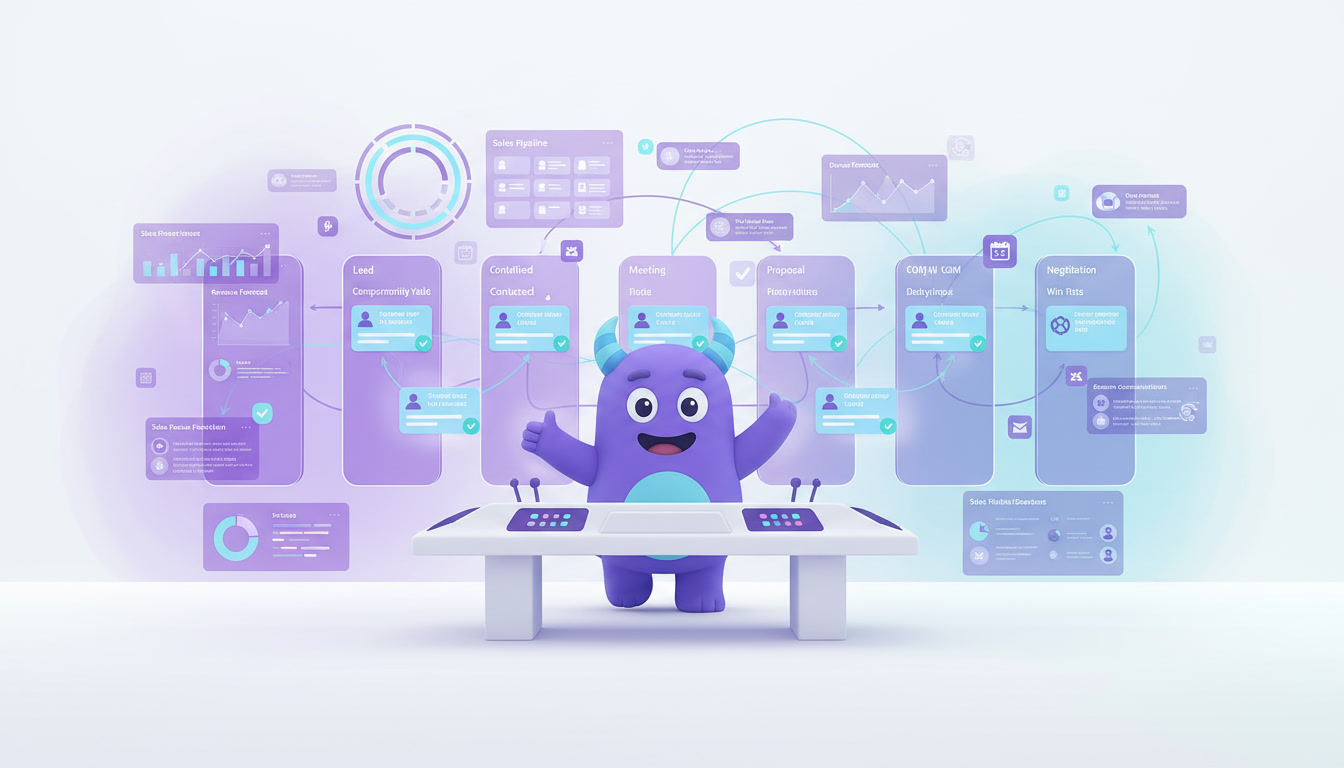
Dealership lead management means capturing, assigning and following up with every potential buyer until they buy or decide not to. Pipeline stages show where every deal stands. Here is an illustrative pipeline to adapt:
| Dealership pipeline stage | What to track | Example automation |
|---|---|---|
| New lead | Contact details, source, vehicle of interest, preferred channel | Instant reply and a call task for the assigned salesperson |
| Contacted | Budget range, timeline, new or used, trade-in yes/no | Reminder if no test drive is booked within a few days |
| Test drive scheduled | Date, time, vehicle, salesperson | Confirmation message and a reminder the day before |
| Test drive completed | Customer feedback, objections, agreed next step | Follow-up task for the same or next day |
| Trade-in appraisal | Vehicle details, condition notes, appraisal value | Task to send the trade-in offer |
| Offer and financing | Offer sent, financing option, documents requested | Reminder if the offer is not answered |
| Sold and delivered | Vehicle, delivery date, contract details | Thank-you message and first service reminder scheduled |
| Lost | Reason, such as price, bought elsewhere or postponed | Check-in task for later if the purchase was postponed |
Start simple; for more detail, see how to build a CRM sales pipeline.
Test drive follow up: the moment that decides many deals
Interest is often highest right after the drive. A clear test drive follow up keeps it alive without pushing. Before the customer leaves, agree on the next step (a call, an updated offer, a second drive or a trade-in appraisal) and record it in the CRM, which creates the task and reminds the salesperson when it is due.
Here is a simple follow-up workflow you can copy and adjust:
Test drive follow-up workflow
- Same day: send a short thank-you message. Example: "Thank you for visiting us today, [Name]. It was a pleasure showing you the [model]. If any questions come up, just reply here. I"ll call you [agreed day] as discussed."
- Next day or agreed day: call to answer questions and confirm the next step, such as an offer, a trade-in appraisal or a second drive.
- Day 3: if an offer was sent and there is no answer, send a reminder. Example: "Hi [Name], just checking whether you had a chance to look at the offer for the [model]. Happy to adjust the options or arrange another drive."
- Day 7: call once more and ask what is holding the decision back.
- Day 14: if still undecided, move the deal to a nurture list with a later check-in. If lost, record the reason.
Adjust the timing to your customers; what matters is that every test drive has a next step, an owner and a date.
Trade-ins and financing in one customer card
Store the trade-in vehicle, condition notes, photos and appraisal value in the same record as the new deal, along with the preferred financing option and missing documents. Anyone on the team can then see the full picture, and managers can review open trade-in offers in one list.
Auto service reminders and after-sale follow-up
For dealerships with a service department and for auto service centers, the relationship continues after the sale. Auto service reminders based on the delivery date, last visit or service interval bring customers back to your workshop. Useful reminders include:
- First service after delivery, based on the recommended interval.
- Seasonal reminders, such as tire changes or air conditioning checks.
- A follow-up after each service visit and a check-in when the car may be due for replacement.
Regular, useful contact is one of the simplest customer retention strategies for any dealership.
How to set up a car dealership CRM (step by step)
- Choose your goals. Start with one or two, such as faster replies to new leads or more test drives that turn into sales.
- Connect your lead sources. Bring forms, marketplaces, messengers, calls and walk-ins into one queue.
- Define assignment rules. Route new leads by rotation, vehicle type or location.
- Build the dealership pipeline. Create stages that match your sales process, including a lost stage with a reason field.
- Add vehicle and trade-in fields. Vehicle of interest, budget range, trade-in details, appraisal value and financing status.
- Write message templates. Instant reply, test drive confirmation, thank-you after the drive, offer reminder and service reminder.
- Create follow-up rules. Every completed test drive and every sent offer should create a task with a due date.
- Set up service reminders. Base them on delivery dates, last service dates and your workshop"s intervals.
- Import active leads and customers. Start with open deals and recent buyers, then add older records step by step.
- Review results monthly. Look at response time, test drives, sales and lost reasons, then adjust.
For a broader rollout checklist, see this CRM implementation plan.
Illustrative example: no more forgotten test drives
This is a hypothetical scenario, not data from a real dealership or a guaranteed result.
Imagine a used car dealership with four salespeople. Busy Saturdays bring many test drives, but follow-ups depend on memory, and by midweek some customers have not heard back. With a CRM, the dealership:
- Sends every online inquiry an instant reply and assigns it to a salesperson.
- Creates a follow-up task automatically when a test drive is marked completed.
- Schedules the first service reminder for every delivered car.
The team now sees every open deal, its owner and what is due today.
How to do it in LUA CRM
Contacts and deal history
Keep lead source, vehicle of interest, trade-in notes and communication history in one customer card.
Pipelines and automations
Attach instant replies, test drive reminders, follow-up tasks and service reminders to pipeline stages.
Tasks and roles
Assign calls, appraisals and offers, and give each role the access it needs.
Reports
Track leads by source, test drives, sales and lost reasons on dashboards.
Want fewer forgotten leads? Try LUA CRM and see how it fits your dealership.
Metrics to track
Lead response time
The time between a new inquiry arriving and the first real reply, by source and by salesperson.
Test drive-to-sale rate
Vehicles sold ÷ test drives completed, by salesperson and vehicle type.
Service return rate
Customers who came back for service ÷ cars delivered in the same period.
To decide which leads deserve attention first, you can also add lead scoring once your pipeline is running.
Frequently asked questions
Usually not. A dealer management system handles inventory, accounting and paperwork; a CRM handles leads, relationships and follow-ups. Many dealerships use both.
Yes. In a small team the same people handle the showroom, phone and online inquiries, so automatic replies and follow-up tasks keep buyers from being forgotten.
A short thank-you on the same day and a call on the agreed day is a good starting point. Adjust the timing to what your customers respond to best.
Yes, for appointment confirmations, service reminders, post-visit follow-ups and a full history of each customer and vehicle.
A basic pipeline with instant replies, test drive reminders and follow-up tasks can usually be ready in a few days. Service reminders and reports can be added step by step.
Conclusion
Good cars and fair prices bring customers in, but organized follow-up turns interest into sales and buyers into loyal customers. A car dealership CRM connects leads, test drives, trade-ins, offers and service reminders, so your team always knows the next step. Start with a clear pipeline, automate follow-ups and review your numbers monthly.
To go further, learn how to build a lead management process that works across every channel.
Turn more test drives into sales. Start with LUA CRM and automate your follow-ups.