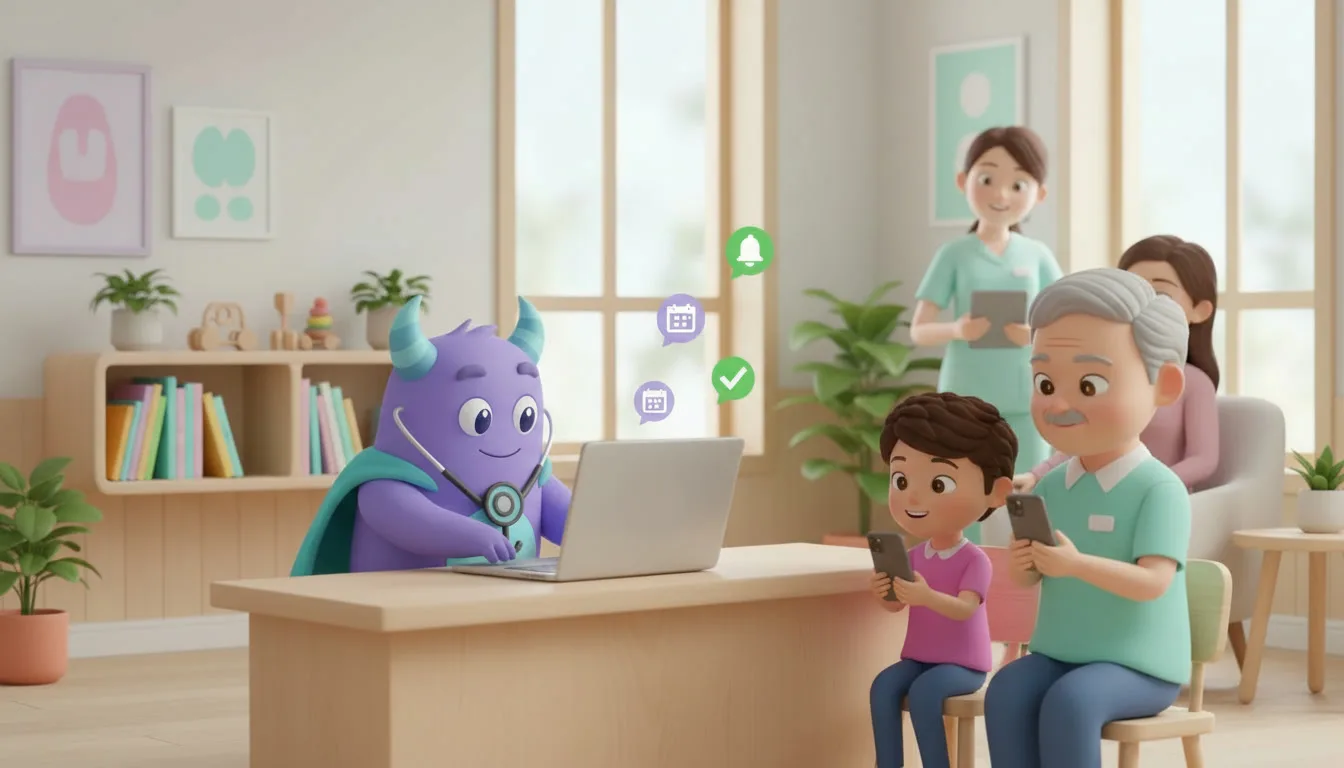

A CRM for medical clinics cuts no-shows by sending automated appointment reminders, making rescheduling easy, and following up with every patient after a visit. If your front desk still confirms appointments by phone and tracks follow-ups in a notebook or spreadsheet, a clinic CRM can give your team hours back every week and fill empty slots that would otherwise be lost. This guide is for clinic owners, practice managers, and administrators of small and mid-sized private clinics.
Key takeaways
- No-shows are mostly a process problem: patients forget, can’t easily reschedule, or never got a clear confirmation.
- Automated multi-step reminders (booking confirmation, 48 hours before, 2 hours before) are the single most effective fix.
- A two-way "confirm / reschedule" option turns a missed visit into a reusable slot.
- Recalls and post-visit follow-ups bring back patients who would otherwise quietly drift away.
- Start with one workflow, measure your no-show rate weekly, then expand.
What is a CRM for medical clinics?
A CRM for medical clinics is a system that stores patient contact details, appointment history, and communication in one place, and automates the administrative tasks around visits: confirmations, reminders, rescheduling, recalls, and follow-ups. It doesn’t replace your electronic medical record. It manages the relationship and scheduling side of patient care, so fewer patients slip through the cracks.
Why patients miss appointments
Before fixing no-shows, it helps to understand where they come from. In most clinics, the causes fall into three groups.
They simply forget
Appointments booked weeks in advance are easy to forget, especially routine check-ups or follow-up visits that don’t feel urgent. A single reminder call that went to voicemail is often the only touchpoint.
Rescheduling is harder than not showing up
If the only way to change an appointment is to call during working hours and wait on hold, many patients don’t bother. They just don’t come. Every missed visit that could have been rescheduled is a slot you could have given to someone else.
Nobody owns the follow-up
When a patient misses a visit, someone should reach out the same day. Without a system, that task depends on whoever remembers, and often it never happens. The same is true for recalls: patients who needed a follow-up in three months are never contacted.
Clinic CRM vs. spreadsheets vs. basic scheduling software
| Capability | Spreadsheet + phone | Basic scheduling tool | Clinic CRM |
|---|---|---|---|
| Central patient contact history | No | Partial | Yes |
| Automated multi-step reminders | No | Often one reminder | Yes, customizable sequences |
| Two-way confirm / reschedule | Manual calls | Limited | Yes |
| Waitlist to fill cancelled slots | Manual | Rarely | Yes |
| Recalls and post-visit follow-ups | Depends on memory | No | Automated tasks and messages |
| Staff task assignment | No | No | Yes |
| Reporting on no-show rate | Manual counting | Basic | Dashboards by doctor, service, day |
The key difference: a scheduling tool tells you when a patient is booked, while a CRM manages everything that has to happen so the patient actually arrives and comes back.
The core automations that reduce no-shows
Booking confirmation
Send an instant message (SMS, WhatsApp, or email) as soon as the appointment is created, with the date, time, doctor, address, and preparation instructions. It sets expectations and catches wrong phone numbers early.
Reminder sequence
One reminder isn’t enough. A typical sequence:
- 48 hours before: a reminder with Confirm and Reschedule options
- 2–3 hours before: a short reminder with the address and a map link
- If there’s no confirmation after the first reminder: a task for the front desk to call
Easy rescheduling and a waitlist
When a patient taps "Reschedule", the slot is freed right away and offered to patients on the waitlist for that doctor or service. That turns a likely no-show into a filled appointment.
Same-day no-show follow-up
If a patient is marked as "no-show", the CRM automatically sends a friendly message offering a new time and creates a task for an administrator to call if there’s no reply within 24 hours.
Recalls and post-visit care
After a visit, schedule automatic recall messages based on the service: a check-up in 6 months, a control visit in 4 weeks, a test result review. Add a short satisfaction survey or review request a day after the visit.
How to set up a no-show reduction workflow (step by step)
- Measure your baseline. Count no-shows and late cancellations over the last 4–8 weeks, ideally by doctor and service.
- Clean your patient contacts. Make sure every active patient has a valid mobile number and preferred channel (SMS, WhatsApp, or email).
- Define appointment statuses. For example: Booked → Confirmed → Arrived → Completed, plus No-show and Cancelled.
- Write your message templates. Keep them short, polite, and specific: name, date, time, doctor, address, and a clear action.
- Build the reminder sequence. Set up the confirmation, 48-hour, and same-day reminders, plus a staff task when there’s no confirmation.
- Turn on rescheduling and the waitlist. Decide who gets offered freed slots first.
- Automate the no-show follow-up. Message the patient the same day, and assign a call task if they don’t reply.
- Add recalls by service. Map each service to its typical follow-up interval.
- Train the front desk. Show them how to update statuses, because automations depend on accurate data.
- Review weekly. Track the no-show rate, confirmation rate, and refilled slots, and adjust timing and wording.
Illustrative example: what fewer no-shows can mean for a clinic
The numbers below are a hypothetical example, not data from a real clinic or a guaranteed result. Replace them with your own figures.
Imagine a private clinic with 4 doctors who see a combined 400 appointments per month, with an average visit value of $50.
- If 12% of appointments are no-shows, that’s 48 missed visits, or about $2,400 in unused capacity each month.
- Suppose that after introducing reminders, confirm/reschedule links, and a waitlist, the no-show rate drops to 7%. That’s 28 missed visits, so 20 more appointments happen each month.
- At $50 per visit, that’s roughly $1,000 per month, or about $12,000 per year, in recovered capacity, before counting the front-desk time saved on manual confirmation calls.
Your results depend on your patients, services, and how consistently the workflow is used, so the most important step is measuring your own baseline first.
How to do it in LUA CRM
LUA CRM gives clinics one place to manage patients, appointments, tasks, and communication without stitching together separate tools.
Patient database and history
Store each patient’s contact details, visits, notes, and messages in a single card, so any administrator can see the full context before calling.
Appointment pipeline and automations
Set up appointment stages that match your clinic’s process, then attach automations to each stage: confirmations on booking, reminders before the visit, and follow-up messages after a no-show or a completed visit.
Tasks for your team
When a patient doesn’t confirm or misses a visit, LUA CRM creates a task for the right staff member, with a deadline, so follow-ups don’t depend on memory.
Reports
Dashboards show no-shows, confirmations, and completed visits by doctor and service, so you can see what’s working.
Ready to reduce no-shows at your clinic? Try LUA CRM and set up your first reminder workflow today.
Metrics to track
No-show rate
No-shows ÷ total scheduled appointments, tracked weekly and by doctor or service.
Confirmation rate
The share of patients who confirm after the first reminder. A low rate means your timing or wording needs work.
Refilled slots
How many cancelled or rescheduled slots were filled from the waitlist.
Recall return rate
The share of patients who book after a recall message.
Frequently asked questions
No. A CRM handles patient communication, scheduling workflows, and follow-ups. Clinical records usually stay in your EMR or practice software.
It depends on your patients. Many clinics use SMS or WhatsApp for reminders because they’re read quickly, and email for longer instructions. Let patients choose their preferred channel.
A common starting point is a confirmation at booking, a reminder 48 hours before, and a short one a few hours before. Adjust it based on your confirmation data.
Some clinics do, but reminders and easy rescheduling usually solve most of the problem without hurting patient relationships. If you introduce a fee, state it clearly in the booking confirmation.
A basic reminder and follow-up workflow can usually be set up in a few days once patient contacts are clean. Recalls and reporting can be added step by step.
Conclusion
No-shows aren’t just bad luck. They’re the result of forgotten appointments, hard rescheduling, and missing follow-ups. A CRM for medical clinics fixes all three with automated reminders, two-way confirmations, a waitlist, and clear tasks for your team. Start by measuring your baseline, launch one reminder workflow, and improve it every week.
To go further, see how lead management turns new inquiries into booked patients, explore customer retention strategies, learn how to automate repetitive work, and read about the operational challenges of growing dental clinics.
Fill every slot in your schedule. Start with LUA CRM and automate your patient reminders.