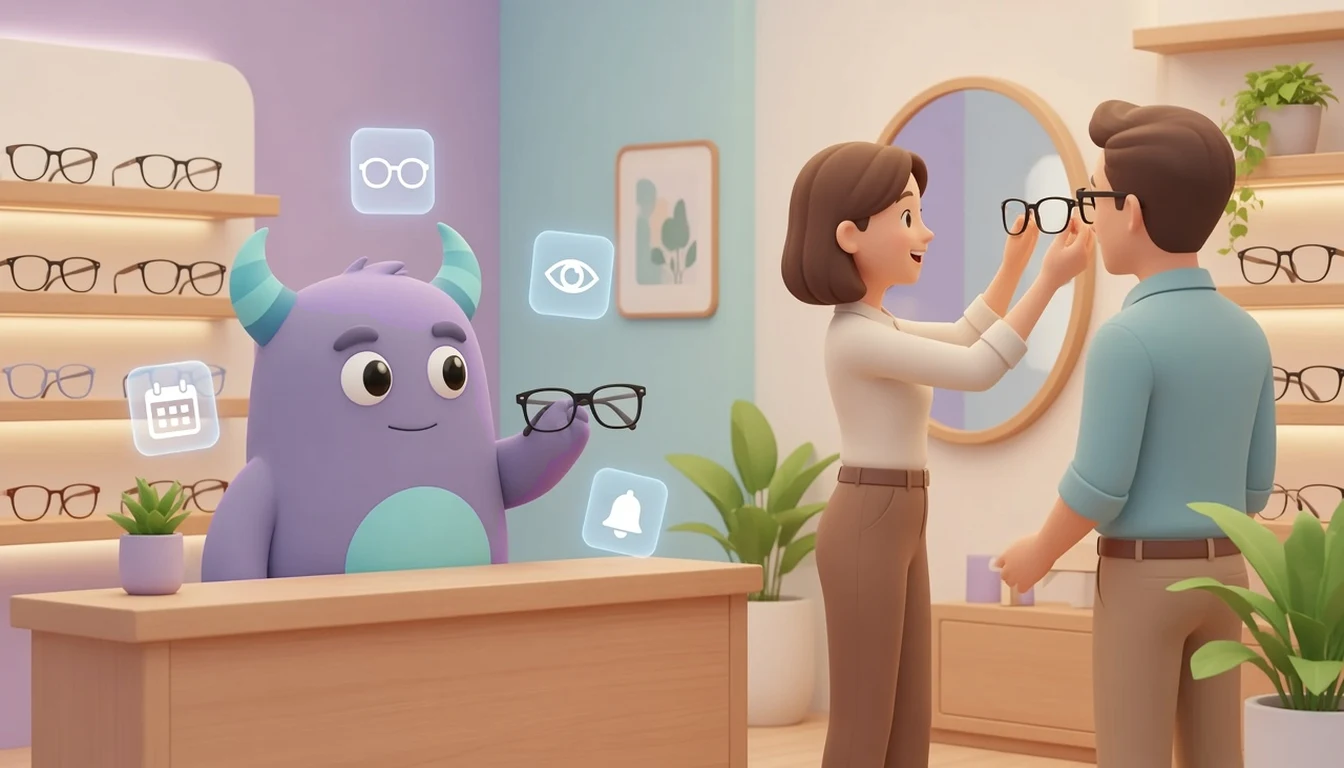

An optical store CRM keeps every customer"s eye exam dates, prescription renewals, frame and lens orders, pickups and repairs in one place, so your opticians know who is due for a check-up and which glasses are ready to collect. Optical shops sell a product that people need again and again, but often only every one or two years. Without a clear system, those customers simply drift to the next store they walk past. This guide is for independent optical stores, optician practices and small eyewear chains that want to keep customers coming back without relying on memory and paper cards.
Key takeaways
- An optical store CRM connects customer profiles, eye exam history, prescription renewal dates and eyewear orders in one record.
- Recall reminders for eye exams and prescription renewals are the main driver of repeat visits in an optical store.
- Tracking each order from frame selection to lens fitting and pickup prevents forgotten glasses and frustrated customers.
- Contact lens reorders, repairs and warranty requests are easier to handle when the history sits with the customer.
- Track recall response, order turnaround, uncollected orders and repeat purchase rate to see what is working.
What is an optical store CRM?
An optical store CRM is customer relationship management software set up for the way optical shops work. It stores each customer"s contact details, purchase history, eye exam dates, prescription renewal dates, frame preferences and order status, and it helps your team follow up at the right moment. Instead of searching through a drawer of order envelopes or a spreadsheet of exam dates, staff open one customer card and see the full story.
Many optical stores combine retail and service. A customer may book an eye exam, choose frames, wait for lenses, return for a fitting adjustment and come back for contact lenses a few months later. A CRM ties all of these touchpoints together so nothing falls between the front desk, the optician and the workshop.
Common problems in optical stores
Customers forget their next eye exam
Most customers do not track when their last eye exam was. If the store does not remind them, many only return when their glasses break or their vision changes, and some of them go elsewhere.
Orders get lost between steps
An eyewear order passes through several stages: frame choice, measurements, lens order, lens arrival, fitting and pickup. When status lives on paper slips, staff waste time answering "are my glasses ready?" calls, and finished glasses wait in a drawer because nobody told the customer.
Contact lens customers buy online instead
Contact lens wearers reorder regularly. If nobody reminds them before they run out, they often order from whichever website shows up first.
Repairs and warranty requests have no history
When a customer returns with a loose hinge or a scratched lens, staff need to know when and where the glasses were bought and what was promised. Without a record, every repair becomes a negotiation.
Marketing is the same for everyone
Sending the same sale message to every customer ignores the difference between a child who needs a yearly check, a contact lens wearer and someone who just bought premium sunglasses.
Key features of an optical store CRM
Customer and family profiles
Keep contact details, preferred communication channel, purchase history and notes in one place. Linking family members helps you book a parent and children together and send one reminder instead of three.
Eye exam and prescription recall dates
Record the date of each exam and when the next check or prescription renewal is due, following the interval your optometrist or local rules recommend. The CRM can then create a reminder or a task when that date approaches.
Order tracking from frame to pickup
Use a simple pipeline with stages such as "frames selected", "lenses ordered", "in workshop", "ready for pickup" and "collected". Everyone can see where each order stands, and customers can be notified the moment their glasses are ready.
Contact lens reorder reminders
Store the lens type and supply length for each wearer, then schedule a reminder shortly before the supply runs out so the reorder comes back to your store.
Repairs, adjustments and warranty notes
Log each repair or adjustment as an activity on the customer card, with the original purchase date and any warranty terms you offer, so staff can answer quickly and consistently.
Segments for relevant offers
Group customers by product (glasses, sunglasses, contact lenses), last visit date or age group, and send offers that actually match their needs. Our guide to customer segmentation explains how to build useful groups.
Paper cards versus an optical store CRM
| Area | Paper cards and spreadsheets | Optical store CRM |
|---|---|---|
| Eye exam recalls | Depend on customers remembering | Reminders created from the recorded due date |
| Order status | Order envelopes and phone calls | Clear stages visible to the whole team |
| Ready-for-pickup notice | Someone has to remember to call | Customer notified as soon as the order is ready |
| Contact lens reorders | Customer buys wherever is convenient | Reminder before the supply runs out |
| Repairs and warranty | Hard to find the original purchase | Purchase and repair history on one card |
| Marketing | Same message to everyone | Segmented offers by product and last visit |
How to set up a CRM for your optical store
- Map your customer journey. Write down each step from first visit or exam booking to pickup, follow-up adjustment and next exam. These steps become your order stages and reminders.
- Decide which data you really need. Contact details, consent to be contacted, exam dates, next due date, product type and order status are usually enough to start. Store sensitive health information only as far as your local data protection rules allow, and limit who can see it.
- Import your existing customers. Start with customers from the last two or three years and their last exam or purchase date. Our Excel to CRM migration guide shows how to clean and import a spreadsheet.
- Build an order pipeline. Create stages for frames selected, lenses ordered, in workshop, ready for pickup and collected, and assign an owner to each order.
- Set up recall and reorder reminders. Create reminders for upcoming eye exams, prescription renewals and contact lens supply, and decide how far in advance each one goes out.
- Prepare message templates. Write short, friendly messages for exam reminders, "your glasses are ready" notices and post-pickup check-ins, and agree which channel each customer prefers.
- Train the team on one habit. Every visit, order and repair is logged on the customer card before the customer leaves the store.
- Review after one month. Look at uncollected orders, overdue recalls and missing data, then adjust stages and reminders.
How Lua CRM supports optical stores
Lua CRM brings contacts, deals, tasks and customer communication together, so an optical store can keep customer cards, track eyewear orders as deals moving through stages and assign follow-up tasks to the right person. CRM automation helps turn recall dates and order stages into reminders instead of manual checklists. If customers write to you on messaging apps, our WhatsApp Business CRM integration guide shows how those conversations can land in one inbox. If your store also sells sunglasses and accessories to walk-in shoppers, the ideas in our retail store CRM guide apply as well.
Best practices for optical store customer management
Book the next exam before the customer leaves
The easiest recall is the one already on the calendar. When a customer collects new glasses, record the next due date and offer to send a reminder.
Call or message within a day of pickup
A short check-in after a new pair of glasses catches fitting problems early and shows customers that you care about how they see, not only what they bought.
Treat uncollected orders as urgent
Glasses waiting in a drawer are revenue that has not been completed. Review the "ready for pickup" stage every week and follow up personally.
Reward loyal families
Families who bring several members for exams are among your most valuable customers. A simple loyalty points program or family discount gives them a reason to stay.
Illustrative example: a neighborhood optical store
Imagine a small optical store with two opticians and one front desk assistant. Exam dates were written on paper cards, and finished glasses were stored in envelopes behind the counter. After moving to a CRM, the team imported customers from the last three years with their last exam dates, created an order pipeline and set up reminders for exams, prescription renewals and contact lens supply. Each week, the front desk reviewed overdue recalls and uncollected orders. Customers started receiving a message when their glasses were ready, and fewer people called to ask about their order. This is a hypothetical example to show the workflow, not a measured case study.
Metrics to track
Recall response rate
Customers who booked an exam after a reminder ÷ customers who received an exam reminder in the period.
Order turnaround time
Average days from "frames selected" to "ready for pickup".
Uncollected orders
Orders in "ready for pickup" for more than a set number of days, such as seven.
Repeat purchase rate
Customers who bought again within your typical replacement cycle ÷ all customers who bought in the earlier period. Our article on CRM KPIs covers how to build a simple dashboard.