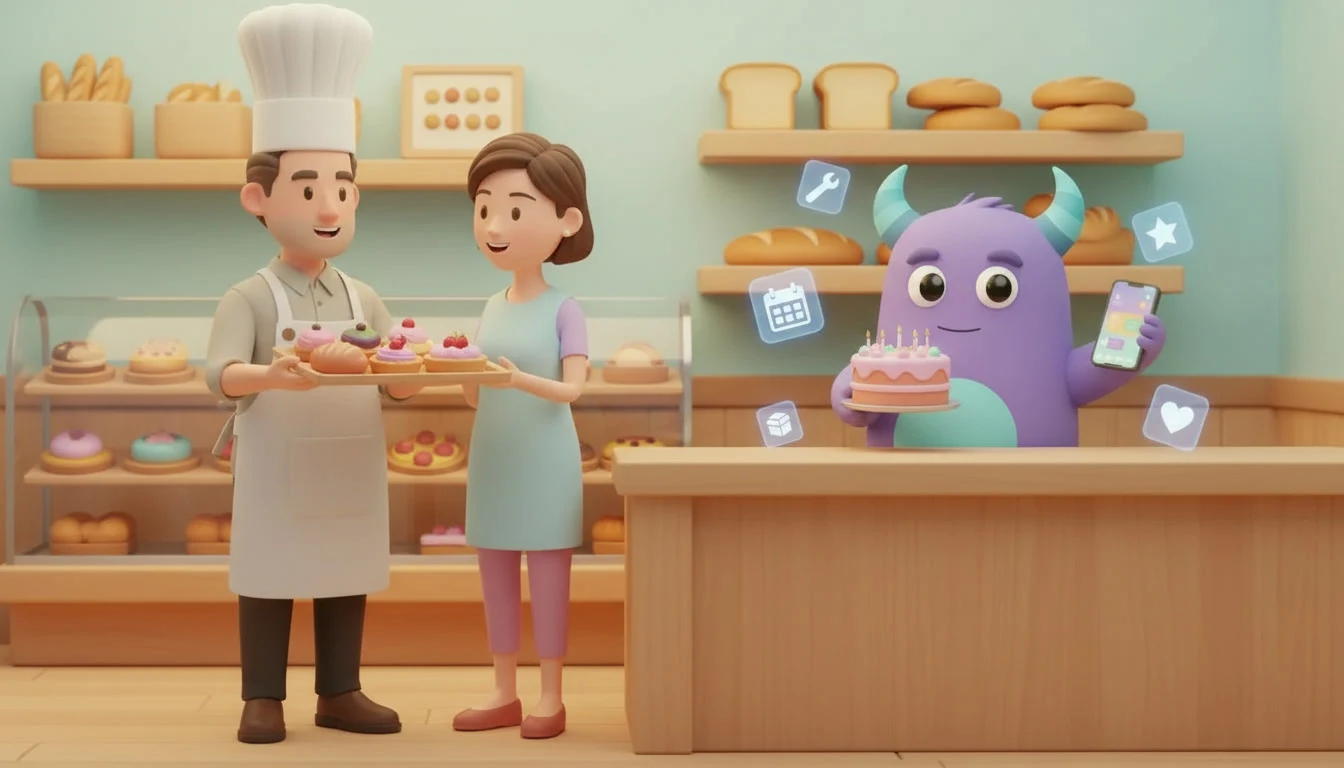

A bakery CRM keeps every customer's custom cake orders, pre-orders, pickup times, allergy notes, celebration dates and wholesale accounts in one place, so your team knows what has to be baked, for whom and by when. Bakeries work with tight deadlines: a birthday cake has to be ready on the right day with the right name on it, and a café that orders bread every morning expects the same quantity at the same time. When orders are taken on the phone, written on paper slips and confirmed in personal chats, one missed detail can spoil a celebration or lose a regular account. This guide is for neighborhood bakeries, pastry shops and cake studios that want a calmer way to manage orders and bring customers back.
Key takeaways
- A bakery CRM connects customer profiles, custom order details, pickup or delivery times and payment status in one record.
- Clear order stages, from inquiry to confirmed, in production, ready and collected, keep custom cakes and pre-orders on time.
- Allergy notes, design references and inscriptions saved on the order prevent costly mistakes.
- Celebration reminders and wholesale account follow-ups turn one-time buyers into regular customers.
- Track order accuracy, on-time pickups, repeat custom orders and wholesale account retention.
What is a bakery CRM?
A bakery CRM is customer relationship management software set up for the way bakeries and pastry shops work. It stores each customer's contact details, past orders, favorite products, allergy and dietary notes and important dates, and it tracks every custom order and pre-order as it moves through clear stages. Instead of searching through order slips or chat messages for the cake design a customer sent two weeks ago, the team opens one shared record.
It is different from a restaurant CRM. Restaurants focus on table reservations and dine-in guests, which we cover in our restaurant CRM guide. A bakery depends on orders with a fixed ready date, many small walk-in sales and recurring orders from cafés, offices and shops, so the focus is on order details, deadlines, deposits and repeat celebrations.
Common problems in bakeries
Custom orders with missing details
A cake order needs size, flavor, filling, design, inscription, pickup time and sometimes a delivery address. When one of these details is missing or written in the wrong place, the mistake is discovered when it is too late to fix.
Allergy and dietary notes that get lost
Requests such as nut-free, gluten-free or no added sugar are serious. If they live only on a paper slip, they can be missed by the person who actually bakes.
Pre-orders piling up before holidays
Before big holidays and the wedding season, orders arrive by phone, message and at the counter. Without one list, it is hard to plan production and staff for each day.
Deposits and payments that are unclear
Some customers pay a deposit, some pay in full and some pay on pickup. When this is not recorded on the order, the team argues at the counter or forgets to collect the balance.
Wholesale accounts without follow-up
Cafés, offices and shops that buy regularly are valuable, but their orders change and their contacts move on. Without notes and regular check-ins, an account can quietly stop ordering.
Key features of a bakery CRM
Customer profiles
One card per customer with contact details, order history, favorite products, allergy notes and important dates such as birthdays and anniversaries.
Custom order pipeline
Each custom cake or large order moves through stages such as inquiry, quote sent, confirmed, in production, ready and collected or delivered.
Order details and attachments
Size, flavors, design photos, inscriptions, allergy notes and pickup or delivery times saved on the order, so the decorator sees exactly what the customer approved.
Deposits and invoices
Record deposits, send invoices to business customers and see which orders still have a balance before they are handed over.
Tasks and reminders
Reminders to confirm details a few days before the ready date, prepare production lists, call customers when orders are ready and contact them before next year's celebration.
Wholesale account records
Notes on regular orders, delivery days, contacts and price agreements for cafés, offices and shops, with follow-up tasks for each account.
Paper order slips versus a bakery CRM
| Area | Paper slips and chats | Bakery CRM |
|---|---|---|
| Custom order details | Spread across slips, calls and messages | Saved on one order with design photos and notes |
| Allergy notes | Easy to miss in the kitchen | Visible on the order and the customer card |
| Holiday pre-orders | Counted by hand the night before | One list of orders by ready date |
| Deposits and balances | Unclear at the counter | Recorded on each order |
| Repeat celebrations | Customer has to remember to call | Reminder to contact before the next date |
How to set up a CRM for your bakery
- Decide which orders to track. Start with custom cakes, large pre-orders and wholesale accounts. Everyday walk-in sales do not need a full order record.
- Import your customers. Bring in regular customers and recent custom order clients with contact details, past orders and any allergy notes, and merge duplicates.
- Define order stages. Use a short pipeline such as inquiry, quote sent, confirmed, in production, ready and collected. Keep the names the same for everyone.
- Create an order template. List the fields every custom order needs: size, flavor, filling, design, inscription, allergy notes, ready date, pickup or delivery and payment status.
- Set deposit rules. Agree when a deposit is required, how it is recorded and when the balance is collected.
- Add reminders. Confirm details a few days before the ready date, notify customers when orders are ready and set a reminder before each customer's next celebration.
- Set up wholesale accounts. Record each café, office or shop with its contact person, usual order and delivery days, and plan a regular check-in.
- Review weekly. Check upcoming orders, orders without full details and wholesale accounts that ordered less than usual.
How Lua CRM supports bakeries
Lua CRM brings contacts, deals, tasks and customer communication together, so a bakery can keep customer cards, track custom cakes and large orders as deals moving through stages and assign production and follow-up tasks to the right person. CRM automation helps turn ready dates and celebration dates into reminders instead of notes on the fridge. Many cake orders start with a photo sent by message, and our Instagram Direct CRM integration guide shows how those conversations can land in one inbox. If you also make cakes for weddings and corporate events, our event planner CRM guide shows how event-based work can be organized.
Best practices for bakery customer management
Repeat the order back before confirming
Read the key details back to the customer, or send them in a message: size, flavor, inscription, allergy notes and pickup time. Most mistakes are caught at this step.
Make allergy notes impossible to miss
Put allergy and dietary requests at the top of the order and on the customer card, and make sure the person who bakes sees them.
Plan holiday orders early
Open pre-orders for big holidays in advance and set a clear last order date. One list by ready date makes it easier to plan ingredients and staff.
Remember the celebration, not only the cake
A customer who ordered a birthday cake this year will probably need one next year. A friendly reminder a few weeks before the date is often welcome. Our florist CRM guide shows how occasion reminders work in another gift business.
Reward your regulars
Morning regulars and families who order for every celebration are the heart of a bakery. Simple digital loyalty cards give them a reason to keep choosing you.
Illustrative example: a neighborhood bakery with a cake studio
Imagine a bakery with a counter for daily bread and pastries, two decorators for custom cakes and five cafés that order every morning. Cake orders were written on slips, design photos were saved on one person's phone and wholesale orders changed by phone call. After moving to a CRM, the team created a custom order pipeline with a template for every cake, recorded deposits on each order and added the cafés as accounts with their usual orders. Every Monday, the team reviewed the week's ready dates, and customers received a message when their cake was ready. Before birthdays, past customers received a short reminder. This is a hypothetical example to show the workflow, not a measured case study.
Metrics to track
Order accuracy
Custom orders handed over without a complaint or remake ÷ all custom orders in the period.
On-time readiness
Orders ready by the agreed time ÷ all orders with a set ready time.
Repeat custom orders
Customers who placed another custom order within a year ÷ all custom order customers in the earlier period.
Wholesale account retention
Wholesale accounts still ordering at the end of the period ÷ accounts at the start. Our article on CRM KPIs covers how to build a simple dashboard.