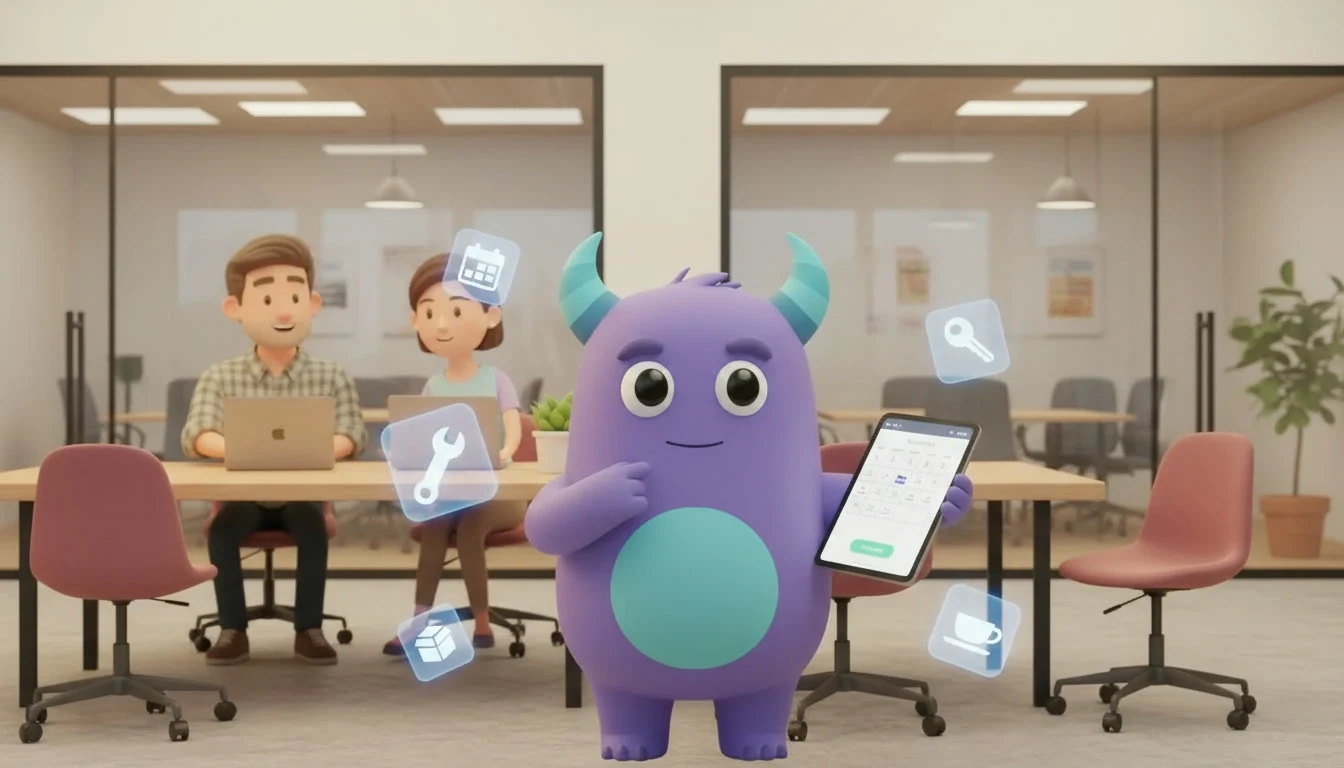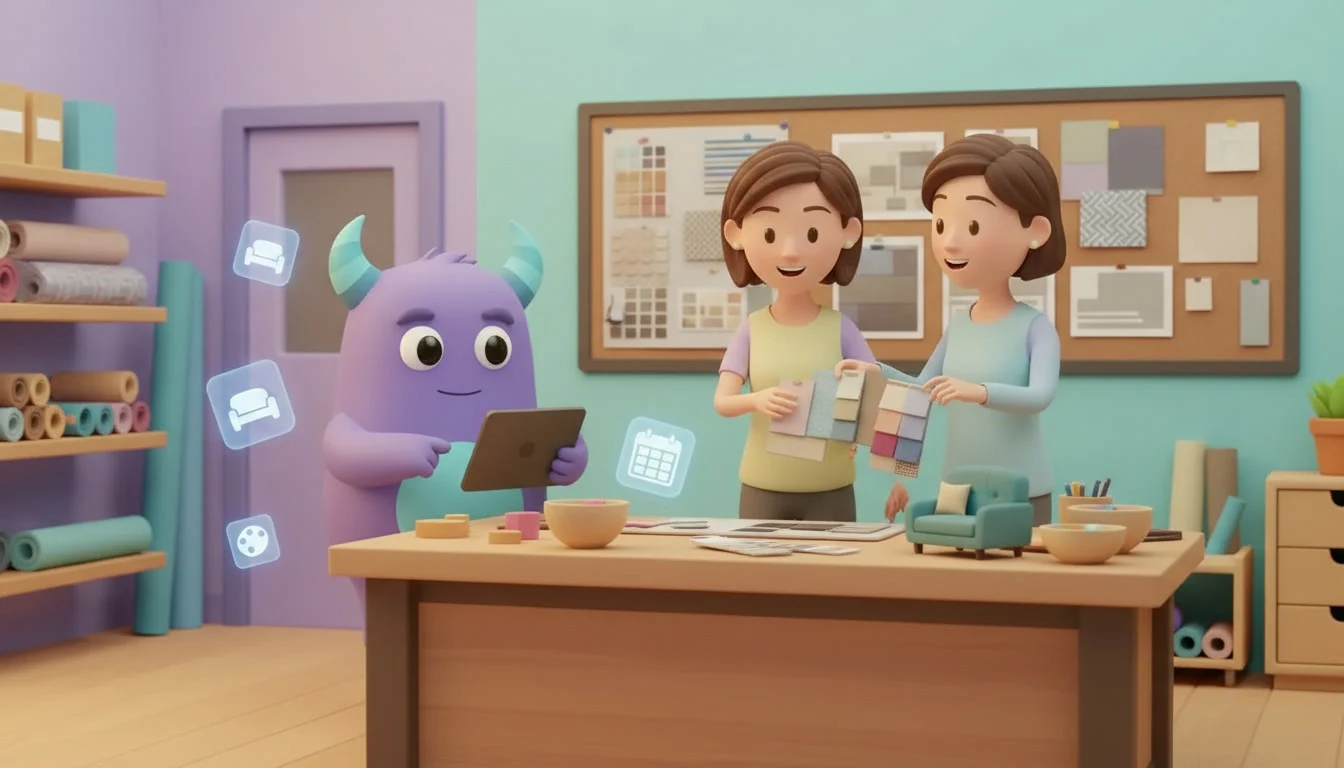

An interior design CRM gives design studios one place to manage inquiries, consultations, proposals, projects, suppliers and past clients, so no promising lead, mood board approval or furniture order depends on scattered emails, chat threads and one designer's memory. When every client, project stage, decision and follow-up sits on the same record, your studio can answer new inquiries quickly, keep projects moving and turn finished homes into referrals and repeat work. This guide explains what an interior design CRM is, where design studios usually lose time and clients, which workflows matter most, how to set one up step by step and which metrics to track. It is written for studio owners, interior designers, decorators and small design teams.
Key takeaways
- An interior design CRM connects inquiries, clients, proposals, projects and supplier orders in one shared system.
- Most lost work comes from slow replies to inquiries, proposals that are never followed up and decisions that are not written down.
- A clear pipeline from inquiry to consultation, proposal and signed project shows where opportunities stall.
- Recording client choices, approvals and supplier orders on the project protects both the client relationship and your margins.
- Track inquiry response time, proposal win rate and referral share to see what is working.
What is an interior design CRM?
An interior design CRM is a customer relationship management system set up for the way design studios work. It stores leads, clients, properties, rooms, project stages, proposals, approvals, supplier contacts and communication history in one shared database. Instead of keeping inquiries in an inbox, project notes in a notebook and supplier orders in a spreadsheet, the whole team sees each client relationship and each project in one place.
For a design studio, the CRM works as a sales desk and a project memory at the same time: it shows which inquiries need a reply today and what was agreed with each client last week.
Where design studios lose time and clients
Inquiries wait too long
People who contact a designer are often comparing several studios. If an inquiry from a website form, social media message or phone call waits days for an answer, the client may already have booked a consultation elsewhere.
Proposals go quiet
A proposal takes real effort: a site visit, measurements, ideas and pricing. Many proposals are sent once and never followed up, simply because nobody set a reminder to check in.
Decisions are not recorded
Clients approve colors, fabrics, layouts and budgets in meetings, calls and messages. When those decisions are not written on the project, disagreements appear later about what was agreed and who approved a change.
Supplier orders are hard to track
Furniture, lighting, tiles and custom pieces come from many suppliers with different lead times. Without one view of orders and expected dates, a single delayed item can hold up the whole installation.
Past clients are forgotten
Happy clients are a studio's best source of new work, but once a project ends, many studios never contact them again. A simple check-in or referral request at the right moment is easy to forget without a reminder.
Key workflows in an interior design CRM
Inquiry capture and qualification
Every inquiry should become a lead with the source, property type, rooms, style, budget range and timing. A short qualification step helps your team decide quickly who gets a consultation and who needs a different offer. Our guide to lead management explains how to qualify and nurture new inquiries.
Consultation and proposal pipeline
Use pipeline stages such as new inquiry, consultation booked, site visit done, proposal sent, negotiation, and won or lost. Each stage should have a clear next step and an owner. Our article on the CRM sales pipeline shows how to design stages that match real work.
Project stages and approvals
Once a proposal is signed, the deal becomes a project with stages such as concept, design development, procurement, installation and handover. Record each client approval, with the date and what was approved, directly on the project.
Supplier and order tracking
Keep suppliers as contacts or companies in the CRM and link each order to the project. Add tasks for order confirmation, expected delivery and quality checks, so delays are visible early.
After-project follow-up and referrals
Schedule a check-in a few weeks after handover, ask for feedback and, when the client is happy, ask for a review or referral. A structured customer referral program helps turn finished projects into new inquiries.
Spreadsheets and inboxes versus an interior design CRM
| Area | Spreadsheets, inboxes and notebooks | Interior design CRM |
|---|---|---|
| New inquiries | Spread across email, social media and calls | One lead list with source, budget and owner |
| Proposals | Sent and often not followed up | Pipeline stages with reminders for each proposal |
| Client decisions | Buried in messages and meeting notes | Approvals recorded on the project with dates |
| Supplier orders | Separate sheet that is hard to keep current | Orders and tasks linked to each project |
| Past clients | Rarely contacted after handover | Scheduled check-ins and referral requests |
How to set up an interior design CRM step by step
- List your inquiry sources. Write down every channel where clients reach you, such as your website, social media, phone, showroom visits and referrals, and who handles each one today.
- Define your pipeline stages. Agree on simple stages from new inquiry to won or lost, and what must be true for a lead to move to the next stage.
- Create the fields you need. Add fields for property type, rooms, style, budget range, desired start date and lead source. Keep the list short so the team actually fills it in.
- Import existing clients and leads. Move current inquiries, active projects and past clients from spreadsheets and contact lists into the CRM, and clean up duplicates.
- Set up project stages. Define stages for signed projects, from concept to handover, and decide which approvals must be recorded at each stage.
- Add suppliers. Record your main suppliers and link orders to projects with tasks for confirmation and delivery dates.
- Automate routine reminders. Create tasks for inquiry replies, proposal follow-ups and after-project check-ins. A good CRM automation setup removes much of the manual chasing.
- Train the team and review. Show everyone how to log inquiries, decisions and orders, then review the pipeline weekly and adjust stages or fields after the first month.
Best practices for design studios
Reply to every inquiry within a set time
Agree on a response time target for new inquiries and assign an owner for each source. A short, friendly first reply that proposes a consultation time is often enough to keep the conversation going.
Write down every approval
After a meeting or call, add a short note to the project with what the client approved and any changes to budget or timing. Clear records protect the relationship when questions come up later.
Keep one record per client and property
Some clients come back for a second room, a holiday home or an office. Keeping the full history on one client record helps your team pick up where the last project ended.
Segment past clients
Group past clients by project type, property and year, so check-ins and seasonal ideas feel relevant rather than generic.
Work closely with contractors
Many interior projects involve builders, electricians and carpenters. If your studio also coordinates renovation work, our construction CRM guide covers how to track crews, schedules and site updates.
Illustrative example: a small studio that stops losing proposals
Imagine a three-person interior design studio that received inquiries through its website, social media and referrals. Proposals were sent by email, and nobody knew which ones were still open. The studio created one pipeline from inquiry to signed project, added a follow-up task three days after every proposal, and recorded client approvals on each project. After handover, a check-in task reminded the lead designer to ask for feedback and referrals. The team now worked from one list of open opportunities and active projects. This is a hypothetical example to show the workflow, not a measured case study.
Metrics to track
Inquiry response time
The average time between a new inquiry and the first reply from your studio.
Consultation-to-proposal rate
Proposals sent ÷ consultations held. A low rate may point to poor qualification before the consultation.
Proposal win rate
Signed projects ÷ proposals sent, tracked by lead source and project type.
Referral and repeat share
New projects from referrals or returning clients ÷ all new projects. Our guide to CRM KPIs explains how to choose and review metrics like these.