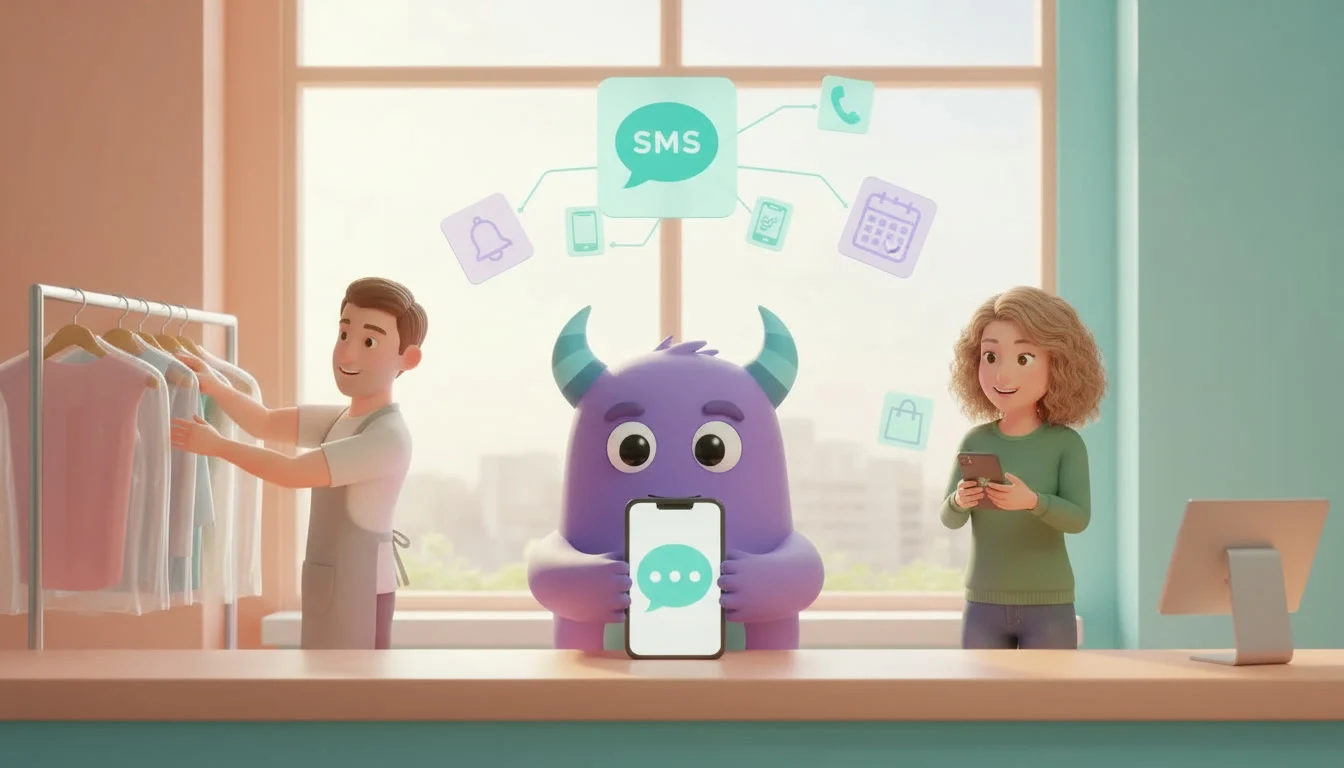

A Dexatel CRM integration connects Dexatel with Lua CRM so that transactional and promotional SMS can be sent from Lua CRM for notifications, alerts and campaigns. Text messages are still one of the most direct ways to reach a customer: a short note that an appointment is tomorrow, that an order is ready for pickup or that a seasonal offer has started is read quickly and does not depend on the customer checking email or a specific chat app. When those messages are typed one by one from a work phone, they go out late, the wording changes from person to person and nothing is recorded in the CRM. This guide is for service businesses, shops and clinics that want SMS to follow their CRM data and processes instead of depending on someone's memory.
Key takeaways
- A Dexatel CRM integration lets Lua CRM send SMS through Dexatel as part of your customer processes.
- On the Lua CRM integrations page, Dexatel (SMS) is listed in the Communications category for transactional and promotional SMS.
- According to that page, the integration sends SMS from Lua CRM for notifications, alerts and campaigns.
- It sits next to SendGrid (Email) in the same category, so you can choose SMS for short, urgent messages and email for longer ones.
- Track on-time reminders, no-show changes, opt-out requests and replies or bookings after campaigns.
What is a Dexatel CRM integration?
A Dexatel CRM integration is a connection between Dexatel, an SMS messaging provider, and Lua CRM, the system where you manage contacts, leads, deals, tickets and tasks. The CRM holds the customer data and knows what is happening with each customer; Dexatel delivers the text message.
The Lua CRM integrations page lists Dexatel (SMS) in the Communications category. That category is described as connecting messaging providers to send emails and SMS for notifications, alerts and marketing campaigns from Lua CRM. The Dexatel entry is titled transactional and promotional SMS, and it describes the integration as a way to send transactional and promotional SMS from Lua CRM for notifications, alerts and campaigns. SendGrid (Email) is listed in the same category for email.
Transactional and promotional SMS: what is the difference?
Transactional SMS
Transactional messages relate to something a specific customer is already doing with your business: an appointment reminder, a booking confirmation, a note that an order or repair is ready, a payment reminder or an update on a service request. Customers expect them and usually want them quickly.
Promotional SMS
Promotional messages go to a group of customers with an offer or announcement: a seasonal discount, a new service, an event invitation or a loyalty reward. They work best when they are short, relevant and sent to people who agreed to receive them.
Notifications and alerts
The integrations page also mentions notifications and alerts. In practice, these are short messages that tell a customer something has changed and may need their attention, such as a schedule change or an important account update.
Problems a Dexatel CRM integration helps solve
Reminders that depend on one person
When reminders are typed from a work phone, they stop when that person is busy, sick or on holiday. Missed reminders often lead to missed appointments.
Messages that never reach the CRM
Texts sent from a personal or shared phone leave no trace in the customer record, so the rest of the team does not know what the customer was told.
Inconsistent wording
Different employees write the same message in different ways, sometimes with wrong times, missing addresses or an unclear tone.
Campaigns sent to outdated lists
Promotional SMS sent to an old exported list reach former customers, duplicate numbers and people who asked not to be contacted, while new customers are missed.
SMS, email and chat apps: which channel for which message?
The Communications category in Lua CRM lists both SMS and email providers, and Lua CRM also offers chat integrations. Each channel suits different messages.
| Area | SMS via Dexatel | Email via SendGrid | Chat apps such as WhatsApp Business or Telegram |
|---|---|---|---|
| Integration category | Communications | Communications | Omnichannel inbox |
| Listed purpose | Transactional and promotional SMS for notifications, alerts and campaigns | Transactional and marketing emails from workflows and automations | Receive customer conversations in one unified inbox |
| Best for | Short, time-sensitive messages | Longer messages, details and newsletters | Two-way conversations and questions |
| Typical example | Appointment reminder the day before | Booking confirmation with full details | Answering a question about availability |
| Read more | This guide | Our SendGrid CRM integration guide | Our WhatsApp Business CRM integration guide |
How Dexatel works with Lua CRM
According to the integrations page, Dexatel in Lua CRM is used to send transactional and promotional SMS from Lua CRM for notifications, alerts and campaigns. This means a text message can be based on the customer data your team already keeps in Lua CRM, rather than on a separate phone contact list. If you want to understand how CRM processes can trigger messages, our guides to workflow automation and CRM automation explain the basic ideas.
The integrations page does not publish step-by-step connection instructions for Dexatel, and it does not list specific SMS triggers, templates or delivery reports. To connect Dexatel, follow the instructions shown for Dexatel in Lua CRM or contact the Lua CRM team for help. If you need a different SMS or messaging provider, the integrations page offers a Request Integration option.
How to prepare for the Dexatel CRM integration
Connecting the provider is only part of the work. Deciding which messages to send, to whom and how often decides whether SMS helps customers or annoys them. Work through these steps:
- List the texts you already send. Write down reminders, confirmations, ready-for-pickup notes, payment reminders and promotions, and note which event or customer group each one belongs to.
- Separate transactional from promotional. Mark which messages customers expect because of something they did and which are offers. Handle promotional SMS according to the consent and opt-out rules that apply in your country.
- Clean up phone numbers in Lua CRM. Use one consistent format with the country code, fix typos and remove duplicates so messages reach the right person.
- Record consent and preferences. Note which customers agreed to promotional messages and which prefer another channel.
- Prepare your Dexatel account. Check your Dexatel account and sender settings using Dexatel's own documentation before you connect it.
- Connect Dexatel. Follow the in-product instructions for Dexatel in Lua CRM, or contact the Lua CRM team for help with the connection.
- Write short, clear templates. Include your business name, the key information and what the customer should do next, and keep each message short.
- Test, then start small. Send test messages to internal numbers, then start with one high-value message, such as appointment reminders, before adding campaigns.
Practical ideas for SMS from your CRM
Appointment and booking reminders
A reminder the day before a visit is the simplest place to start for clinics, salons, repair shops and schools. It is expected, useful and easy to measure.
Ready-for-pickup and status alerts
Let customers know when an order, repair or document is ready, so they do not have to call to ask.
Payment reminders
A polite text before or on the due date can reduce late payments without a phone call.
Targeted promotions
Send offers to specific groups, for example regular customers or people who have not visited for a while. Our guides to customer segmentation and RFM analysis explain how to choose the right group.
Loyalty and review requests
A short message after a visit can share loyalty points or ask for feedback. See our guide to the loyalty points program for ideas.
Illustrative example: a dry-cleaning shop with pickup reminders
Imagine a dry-cleaning shop with two locations. Staff called or texted customers from the shop phone when items were ready, and many orders waited on the rack for weeks. The team connected Dexatel to Lua CRM, cleaned up customer phone numbers and started with one message: a short text when an order is ready for pickup. Two weeks later, they added a reminder for orders not collected after several days and began sending a seasonal offer to regular customers who had agreed to promotions. This is a hypothetical example to show the workflow, not a measured case study.
Metrics to track
On-time reminders
Reminders sent at the planned moment ÷ all reminders that should have been sent.
No-show or uncollected order rate
Compare missed appointments or uncollected orders before and after SMS reminders start.
Opt-out requests
Watch how many customers ask to stop promotional messages. A rising number usually means messages are too frequent or not relevant enough.
Campaign response
Bookings, visits or replies after a promotional SMS ÷ customers who received it. Our article on CRM KPIs explains how to track numbers like these.